Top 10 AI Data Mining Tools to Try : From Exploration to Automation (2026 edition)
Compare the leading platforms for cleaning, analyzing, and modeling data with AI-driven workflows.

After testing and using a wide range of AI-powered data mining tools across real-world analytics projects — from messy CSV exploration to large-scale model training — these 10 stood out for how effectively they support the data mining lifecycle in early 2026.
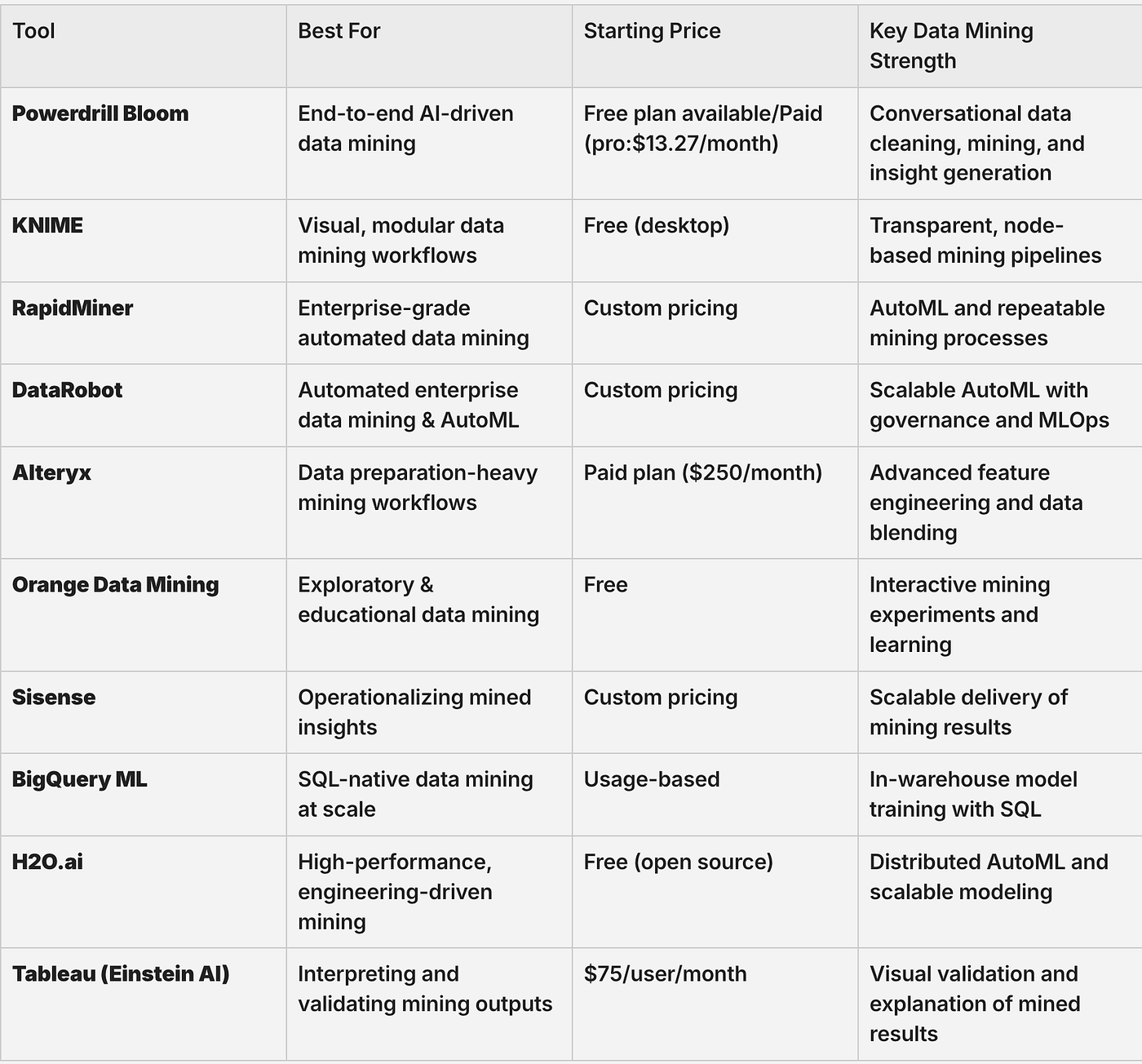
10 Best AI Data Mining Tools: At a Glance
Some AI data mining tools emphasize automated discovery and reasoning. Others are built for visual workflow mining, SQL-native modeling, or high-performance machine learning at scale. Each one represents a different philosophy of how data mining should be done.
Here’s how the top 10 compare:
1. Powerdrill Bloom: Best for AI-Powered Data Mining and Visual Analysis
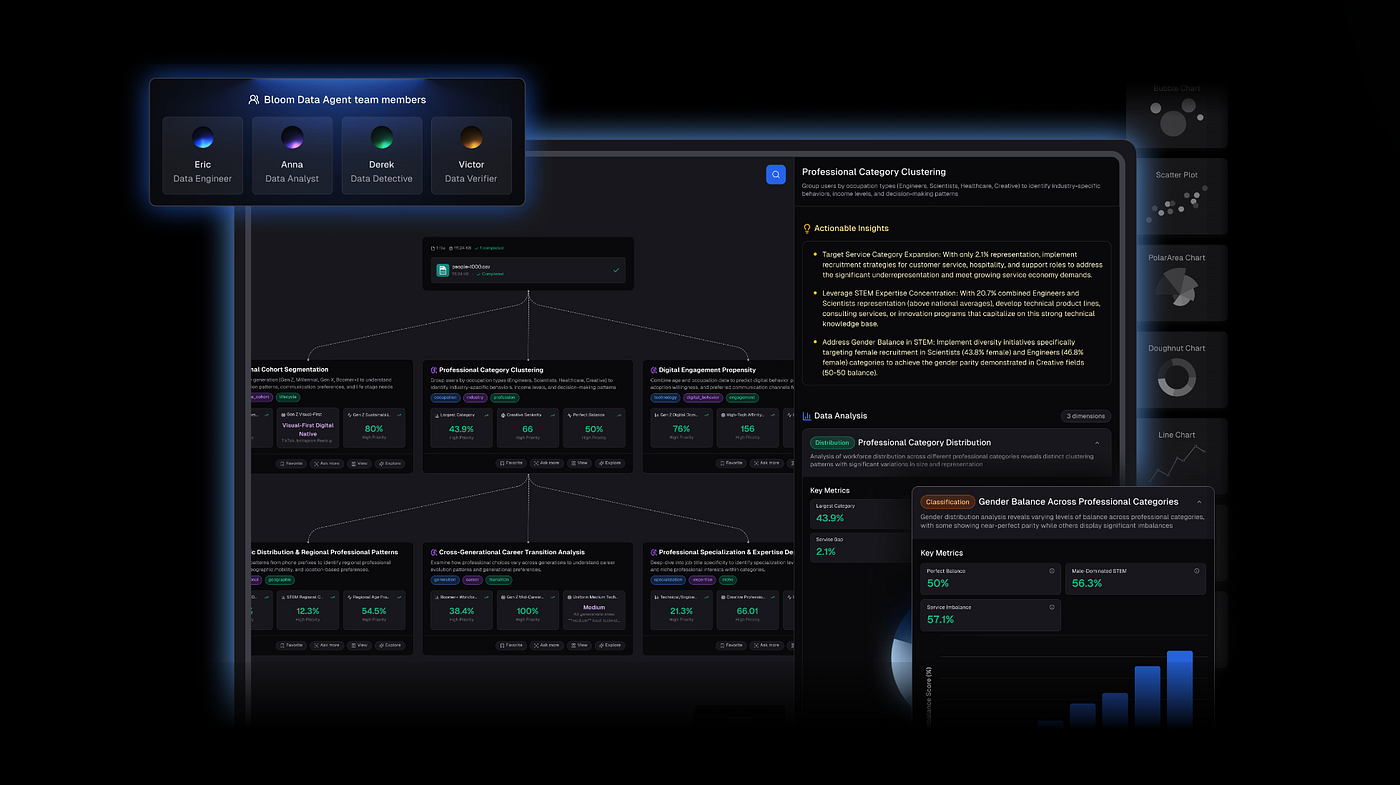
What it does: Powerdrill Bloom is a modern AI-driven data analysis platform that simplifies and accelerates analytics for structured and semi-structured datasets. It combines automatic data cleaning, advanced analysis, and AI-generated visualizations into one workflow. Using natural language prompts, you can ask questions like “Which products had the highest revenue growth last quarter?” and Powerdrill Bloom will clean the data, run the analysis, and produce charts, narrative reports, or slide decks (PPT, PDF, Markdown) instantly.
Who it’s for: Analysts, business teams, and data professionals who need to extract actionable insights from complex datasets quickly without manual preprocessing or visualization work.
Powerdrill Bloom stands out for its end-to-end data mining workflow. After connecting your structured or semi-structured datasets — or uploading files like Excel, CSV, or PDF — you can clean, transform, and explore the data using conversational prompts. Its Nano Banana Pro engine generates professional charts and presentation-ready slides in various styles (Professional, Business, Fancy) while maintaining data accuracy and narrative clarity. Advanced users can also leverage SQL integration for custom queries, combining natural-language analytics with full SQL support.
Key features
AI Data Cleaning & Preparation: Automatically removes duplicates, standardizes formats, and transforms raw inputs via conversational prompts
AI Graph & Report Generator: Instantly produces bar, pie, histogram, scatter plots, narrative reports, or slides
Nano Banana Pro Engine: Specialized visual engine for professional slides and data preview images
SQL Advanced Analytics: Natural-language querying with seamless SQL integration
Data Mining Workflow: From raw data to insights and visuals without switching tools
Pros
Streamlines the full data mining workflow from cleaning to presentation
Produces board-ready slides and narrative reports instantly
Supports both conversational and SQL-based analysis
Cons
May feel too automated for users who prefer manual cell-by-cell control.
Limited fine-grained control over individual chart formatting
Pricing:
Free trial available; Paid (pro:$13.27/month)
Bottom line
Powerdrill Bloom is ideal for teams that need to quickly clean, analyze, and visualize datasets. Its AI-driven workflow makes it particularly strong for data mining and exploratory analysis, reducing the friction between raw data and actionable insights.
2. KNIME: Best for Visual, Workflow-Based Data Mining
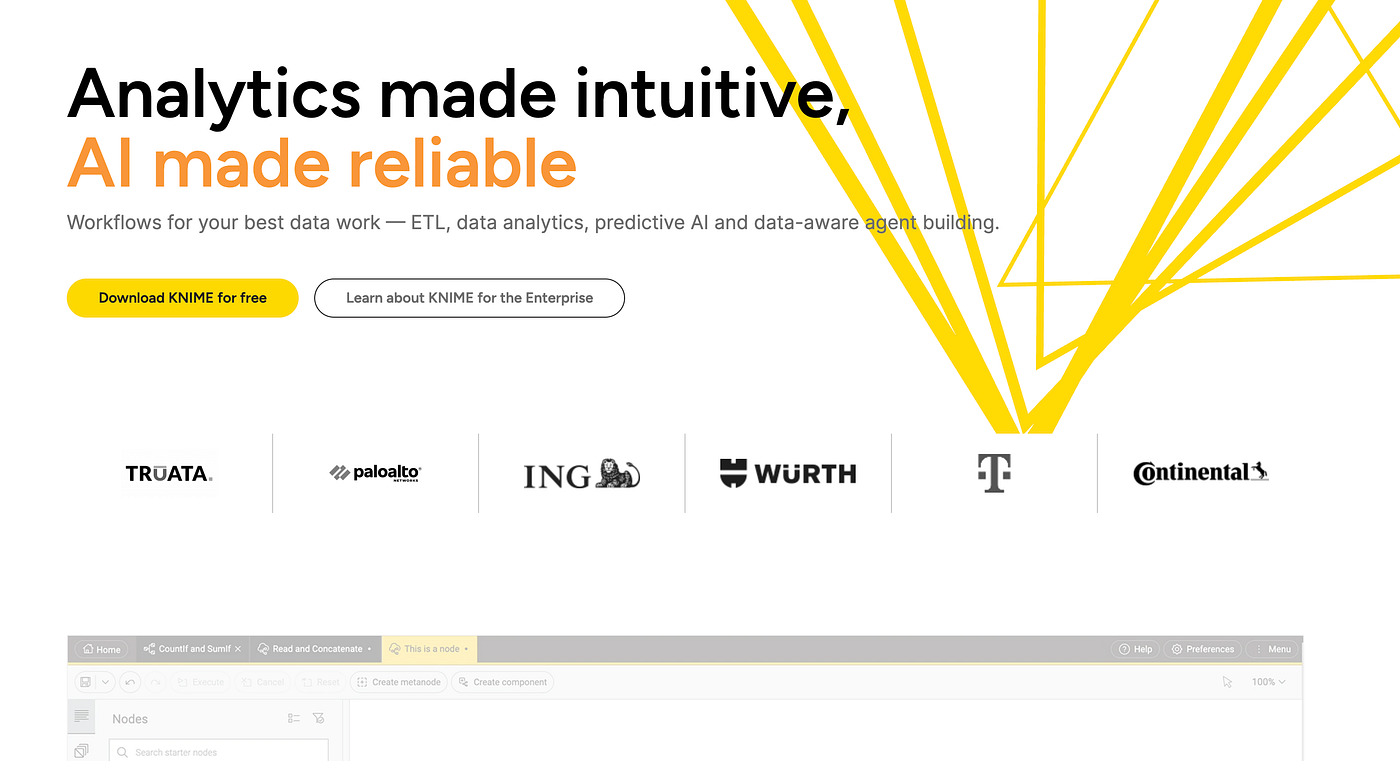
What it does: KNIME is a visual data mining platform that lets you build analytical workflows by connecting nodes instead of writing code. Each node represents a step in the data mining process — data ingestion, cleaning, feature engineering, modeling, or evaluation. You can run clustering, classification, regression, and text mining tasks by assembling these components into a reproducible pipeline.
Who it’s for: Data analysts, data scientists, and researchers who want transparency and control over the full data mining process without committing entirely to Python or R.
KNIME’s strength lies in how clearly it exposes the logic of data mining. Rather than hiding transformations behind prompts or dashboards, every operation is visible in the workflow canvas. This makes it especially useful when you need to explain how results were derived, not just what the results are.
In practice, KNIME works well for exploratory data mining. You can start with raw CSVs or database connections, clean and normalize features, test multiple algorithms side by side, and compare outcomes — all within a single visual flow. The platform also supports Python and R nodes, allowing advanced users to extend workflows when needed.
Key features
Visual workflow builder for end-to-end data mining
Built-in clustering, classification, and regression nodes
Strong support for feature engineering and preprocessing
Python and R integration for advanced customization
Reproducible pipelines suitable for audits and research
Pros
Very transparent data mining logic
Excellent for experimentation and comparison
Strong community and extensions
Cons
Steeper learning curve than AI-first tools
UI can feel dated for non-technical users
Pricing:
Free desktop version; pro: $19/month; commercial plans for enterprise deployment ($99/month).
Bottom line:
KNIME is ideal when understanding and controlling each data mining step matters. It’s less automated than AI-driven platforms, but far more explicit — making it a strong choice for analytical rigor and reproducibility.
3. RapidMiner: Best for Enterprise-Grade Data Mining Pipelines
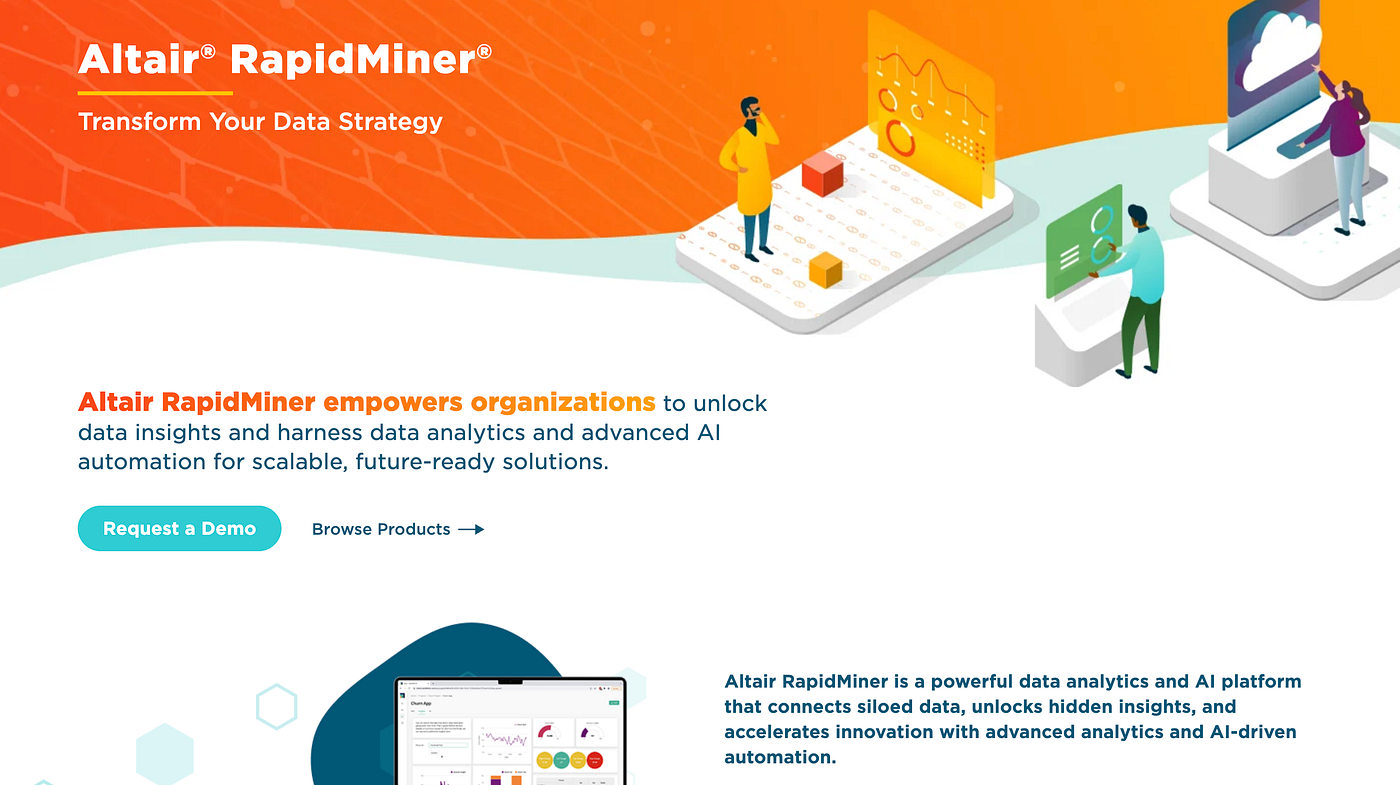
What it does: RapidMiner is a mature data mining platform focused on building, validating, and deploying predictive models. It supports traditional data mining techniques such as decision trees, association rules, clustering, and anomaly detection, with strong emphasis on data preparation and model evaluation.
Who it’s for: Enterprises and analytics teams that need structured, governed data mining workflows with strong model validation and lifecycle management.
RapidMiner is designed around the idea that most data mining work happens before modeling. A significant portion of the platform is dedicated to data profiling, cleaning, transformation, and feature selection. This makes it particularly suitable for complex, messy enterprise datasets where preprocessing decisions strongly influence outcomes.
Compared to newer AI tools, RapidMiner feels more procedural. You explicitly define each step, run experiments, evaluate metrics, and refine the pipeline. While this takes more time upfront, it reduces ambiguity and improves trust in the results — important in regulated or high-stakes environments.
Key features
Comprehensive data preparation and feature engineering tools
Wide range of classical data mining algorithms
Visual workflow design with strong validation support
Model performance comparison and lifecycle tracking
Pros
Very strong preprocessing and evaluation capabilities
Designed for large-scale, repeatable analytics
Suitable for regulated industries
Cons
Less flexible for ad-hoc exploration
Licensing can be expensive
Pricing:
Custom pricing; enterprise pricing upon request.(learn more)
Bottom line:
RapidMiner excels when data mining must be systematic, validated, and explainable. It’s less agile than AI-native tools, but far more structured for enterprise-scale analytics.
4. DataRobot: Best for Automated Predictive Data Mining
What it does: DataRobot automates large portions of the data mining and modeling process, including feature engineering, algorithm selection, and model evaluation. You upload a dataset, define a target variable, and the platform tests dozens of models to identify the best-performing ones.
Who it’s for: Organizations that want predictive insights from data mining without maintaining large data science teams.
DataRobot’s approach shifts data mining from process-driven to outcome-driven. Instead of manually testing algorithms, the platform runs many experiments in parallel. This is especially effective when the goal is prediction accuracy rather than methodological transparency.
However, this abstraction comes with trade-offs. While DataRobot explains feature importance and performance metrics, the underlying transformations are less visible than in tools like KNIME or RapidMiner.
Key features
Automated feature engineering and model training
Parallel testing of multiple algorithms
Model explainability and performance monitoring
Deployment and monitoring for production models
Pros
Extremely fast path from data to prediction
Reduces dependency on specialized data scientists
Strong MLOps capabilities
Cons
Limited control over low-level transformations
High cost for smaller teams
Pricing:
Custom pricing (enterprise)
Bottom line:
DataRobot is best when speed and predictive performance matter more than hands-on control. It’s powerful, but less suited for exploratory or research-oriented data mining.
5. Alteryx: Best for Data Preparation–Heavy Data Mining Workflows
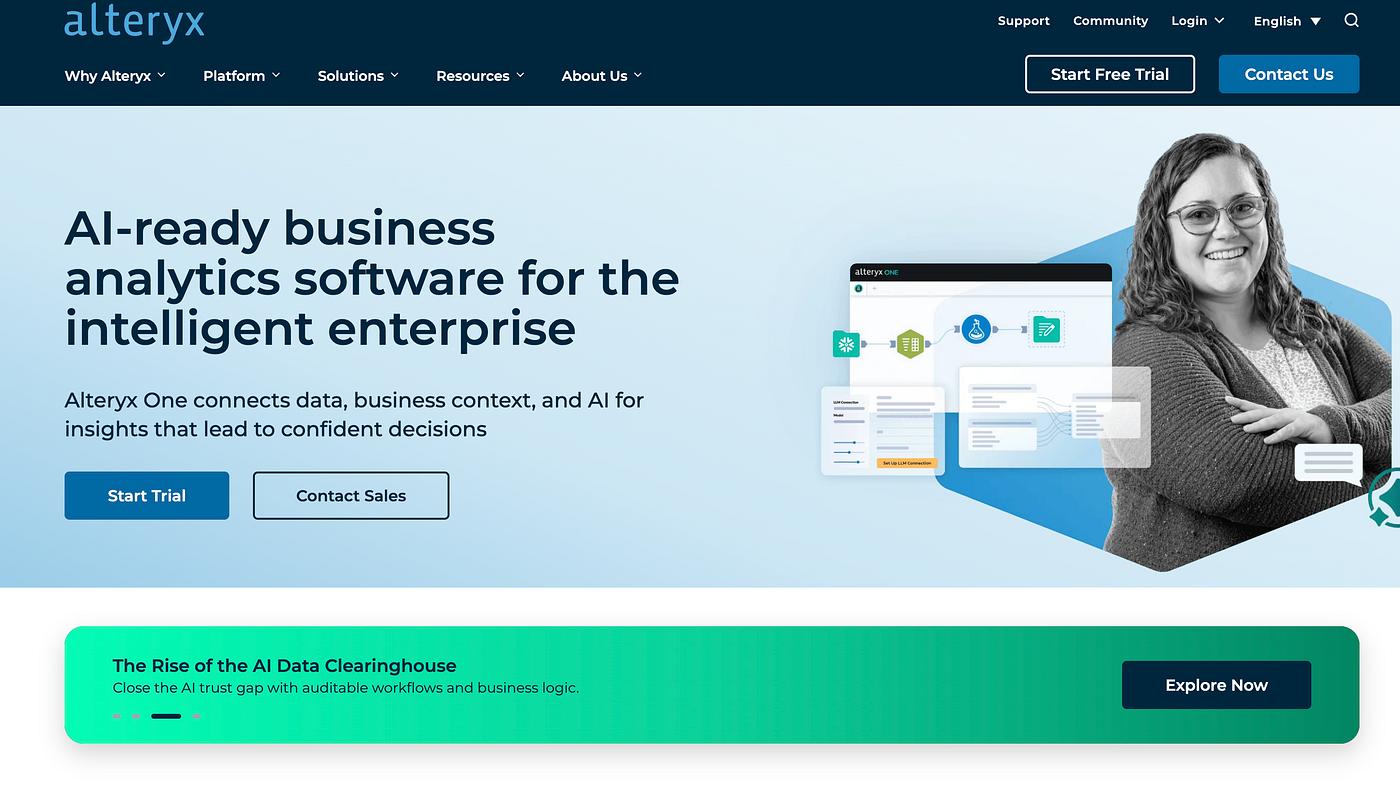
What it does: Alteryx is an analytics automation platform that focuses heavily on data preparation, transformation, and feature engineering — critical early stages of data mining. It allows users to blend data from multiple sources, clean inconsistencies, engineer features, and then apply predictive or statistical models within a visual workflow environment.
Who it’s for: Analytics teams and data analysts who spend most of their data mining time cleaning, joining, and reshaping datasets before modeling even begins.
In real-world data mining projects, raw data rarely arrives in a model-ready format. Alteryx is built for exactly this reality. Instead of jumping straight into algorithms, teams use Alteryx to profile datasets, detect anomalies, normalize values, and create derived features that materially affect mining outcomes.
The platform’s drag-and-drop workflow makes each transformation step explicit and repeatable. While Alteryx does support predictive modeling, its real value is upstream — making sure the data feeding into mining algorithms is reliable, consistent, and well-structured. Many teams pair Alteryx with downstream modeling or BI tools once the mining-ready dataset is produced.
Key features
Advanced data blending from multiple sources
Visual workflows for cleaning and feature engineering
Built-in statistical and predictive tools
Integration with Python and R for extended mining logic
Pros
Excellent at complex data preparation
Reduces manual preprocessing errors
Clear, auditable workflows
Cons
Modeling depth is secondary to preparation
High licensing cost for small teams
Pricing:
Paid plans only( $250/user/month) ; enterprise-focused pricing( Contact Sales ).
Bottom line:
Alteryx is ideal when data mining projects are bottlenecked by messy or fragmented data. It’s less about algorithmic experimentation and more about ensuring the data going into mining models is trustworthy and usable.
6. Orange Data Mining: Best for Exploratory and Educational Data Mining
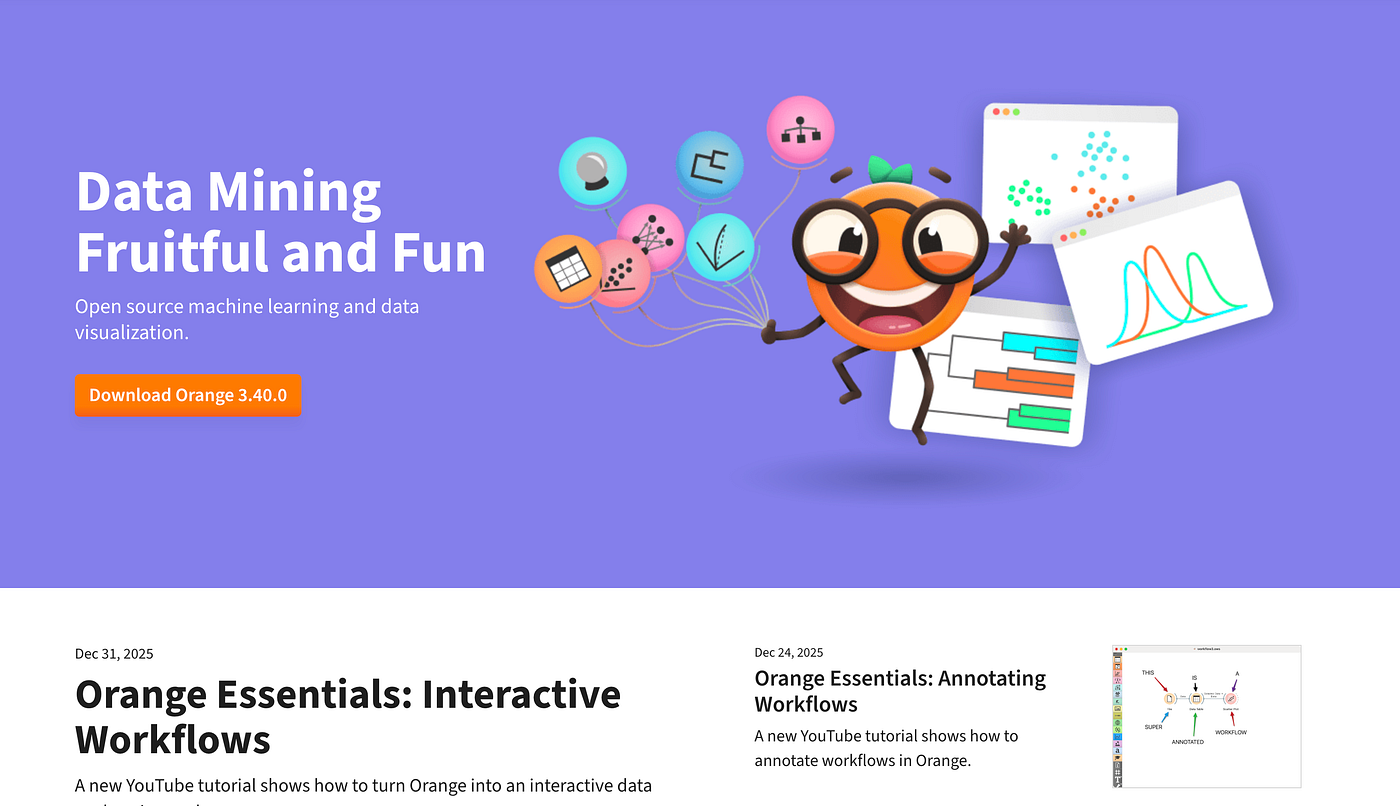
What it does: Orange is an open-source data mining and machine learning platform built around visual programming. It enables users to explore datasets, apply common mining algorithms, and visualize results through interactive widgets.
Who it’s for: Students, educators, and analysts who want to understand data mining concepts through hands-on experimentation rather than production deployment.
Orange emphasizes learning and exploration over scale. You can load datasets, experiment with clustering or classification methods, and immediately see how changes in features or parameters affect results. This makes it particularly effective for early-stage exploratory data mining and hypothesis testing.
While Orange lacks enterprise-grade deployment features, it excels at helping users reason about data. You can visually trace how preprocessing choices influence mining outcomes, which is invaluable when building intuition around data behavior.
Key features
Visual workflows for data mining experiments
Built-in clustering, classification, and regression algorithms
Interactive visualizations for exploration
Open-source and extensible
Pros
Very accessible learning curve
Encourages experimentation
Free and open-source
Cons
Limited scalability
Not designed for production pipelines
Pricing:
Free.
Bottom line:
Orange is best viewed as a sandbox for data mining exploration and education. It’s not a production platform, but it’s excellent for developing intuition and testing ideas before moving to heavier tools.
7. Sisense: Best for Operationalizing Mined Insights
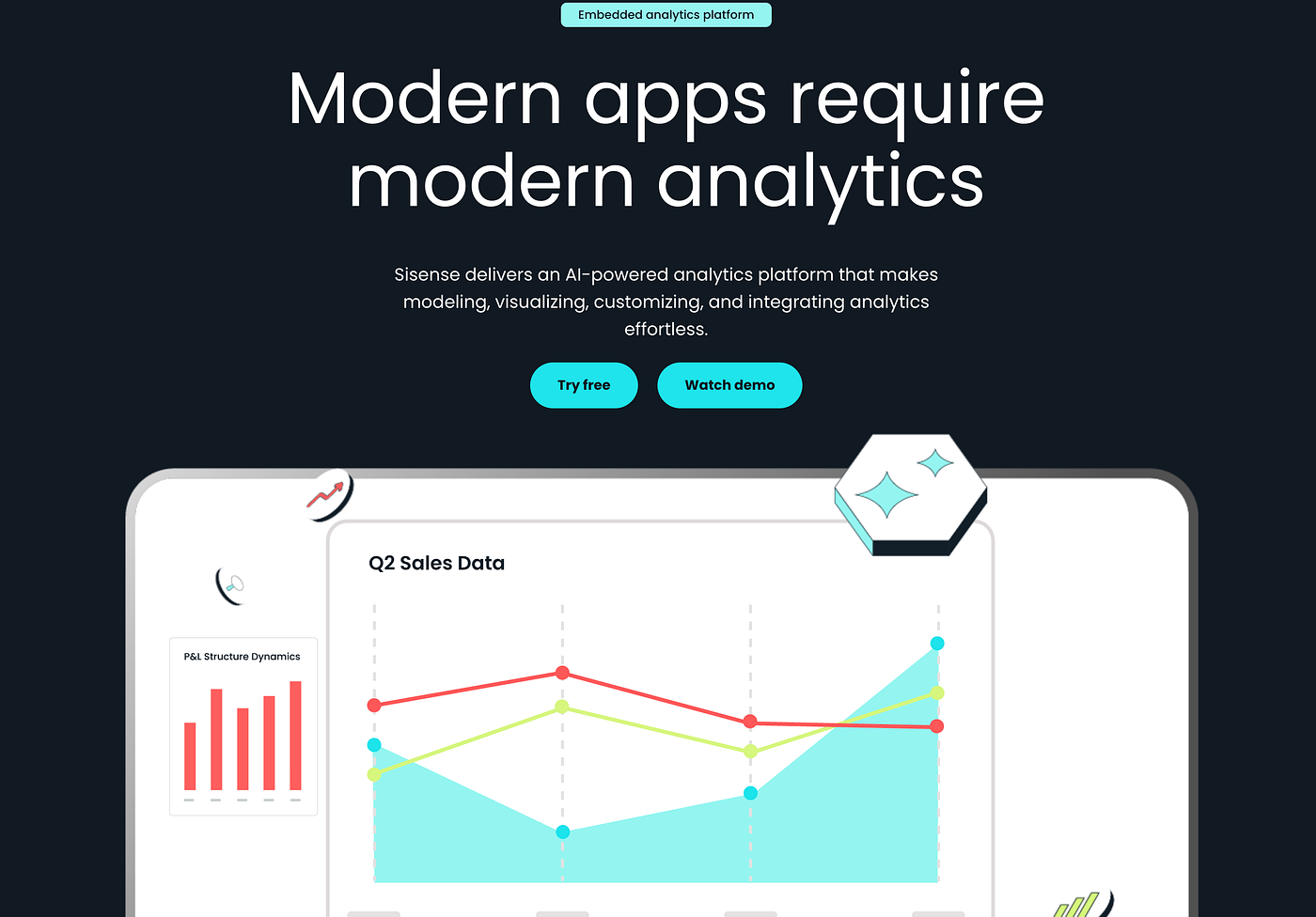
What it does: Sisense is an analytics platform designed to model data, apply analytical logic, and embed insights into applications. While it’s not a traditional data mining tool, it plays an important role in operationalizing mined results.
Who it’s for: Product and analytics teams that need to deliver mined insights continuously inside applications or dashboards.
Sisense sits later in the data mining lifecycle. It’s typically used after models or mining processes have identified patterns or predictions. The platform excels at refreshing datasets, applying business logic, and making results accessible to non-technical users.
Rather than focusing on algorithmic depth, Sisense emphasizes scalability and delivery. This makes it suitable when data mining outputs need to be consumed repeatedly and reliably by end users.
Key features
Scalable data modeling
Embedded analytics for applications
In-memory query performance
API-driven integration
Pros
Strong for operational analytics
Scales well with large datasets
Good embedding capabilities
Cons
Limited exploratory mining tools
Less transparent modeling logic
Pricing:
Custom pricing based on deployment scale and number of users.
Bottom line:
Sisense is best used as a delivery layer for mined insights rather than a core data mining engine. It complements, rather than replaces, mining-focused platforms.
8. Google BigQuery ML: Best for SQL-Native Data Mining
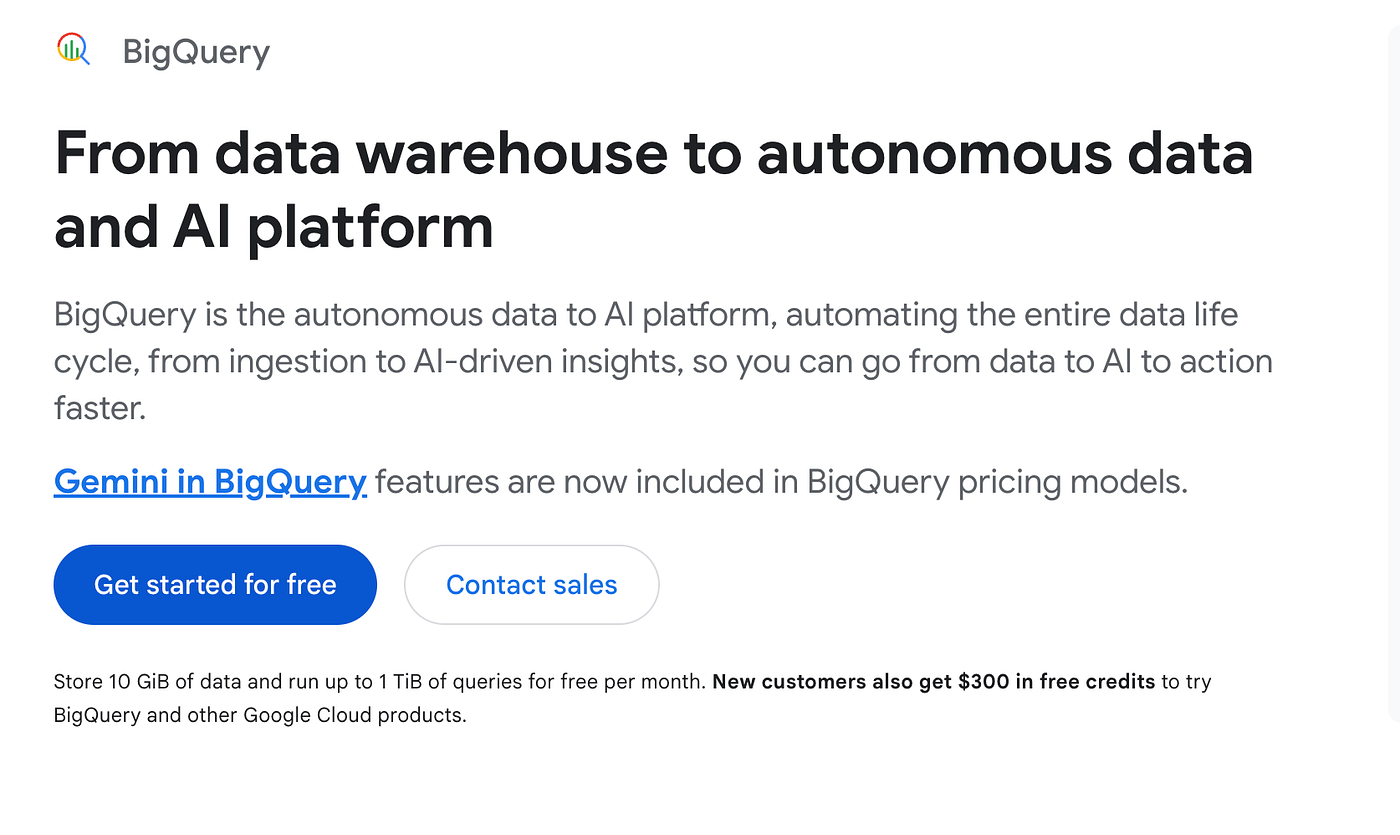
What it does: BigQuery ML enables users to build and run machine learning models directly inside BigQuery using SQL. It allows data mining tasks such as classification, regression, and clustering without exporting data to external tools.
Who it’s for: Data teams deeply embedded in SQL and cloud data warehouse workflows.
BigQuery ML lowers the barrier to data mining by keeping everything inside the data warehouse. Instead of moving data into notebooks or separate platforms, analysts can define models using familiar SQL syntax and run them at scale.
This approach prioritizes convenience and scalability over flexibility. While model choices and customization are more limited, the trade-off is faster iteration and reduced data movement risk.
Key features
SQL-based model training and prediction
Tight integration with BigQuery datasets
Scalable execution on large data volumes
Built-in evaluation metrics
Pros
No data movement required
Familiar SQL interface
Highly scalable
Cons
Limited algorithm variety
Less control over feature engineering
Pricing:
Usage-based, tied to BigQuery compute costs.
Bottom line:
BigQuery ML is ideal when data mining needs to happen close to the data. It’s pragmatic and efficient, but not designed for deep experimental mining.
9. H2O.ai: Best for High-Performance, Engineering-Driven Data Mining at Scale
What it does: H2O.ai is an open-source machine learning and data mining framework built for large-scale, performance-critical environments. Unlike visual data mining tools, H2O operates as a modeling engine that trains, evaluates, and deploys algorithms across distributed systems. It supports classification, regression, clustering, and anomaly detection — core data mining tasks — but expects users to manage data pipelines and feature engineering externally.
Who it’s for: Data science and engineering teams that treat data mining as a production system rather than an exploratory exercise.
In real data mining workflows, H2O.ai typically enters after data has been cleaned and structured. Teams feed prepared datasets into H2O to run AutoML pipelines or train specific algorithms (GBM, Random Forest, XGBoost-style models, deep learning). Its strength lies in speed and scalability — models train faster and handle larger volumes than most GUI-based tools.
Where H2O stands apart is transparency and control. Engineers can inspect model performance, tune hyperparameters, and export trained models for deployment. However, this also means H2O does not guide users through the reasoning process of mining. The platform assumes you already know what problem you’re mining for and how to frame it.
Key features
Distributed training for large datasets
AutoML pipelines for rapid model comparison
Support for core data mining algorithms
Python and R APIs for integration into pipelines
Pros
Excellent performance at scale
Strong AutoML capabilities
Open-source with active community
Cons
No built-in data preparation layer
Requires engineering expertise
Limited interpretability for non-technical stakeholders
Pricing:
Open-source core; paid enterprise support available.
Bottom line:
H2O.ai is a data mining engine, not a data mining guide. It’s ideal when mining is already well-defined and must run fast, repeatedly, and at scale — but it offers little help in discovering what to mine in the first place.
10. Tableau (with Einstein AI): Best for Interpreting and Validating Data Mining Outcomes
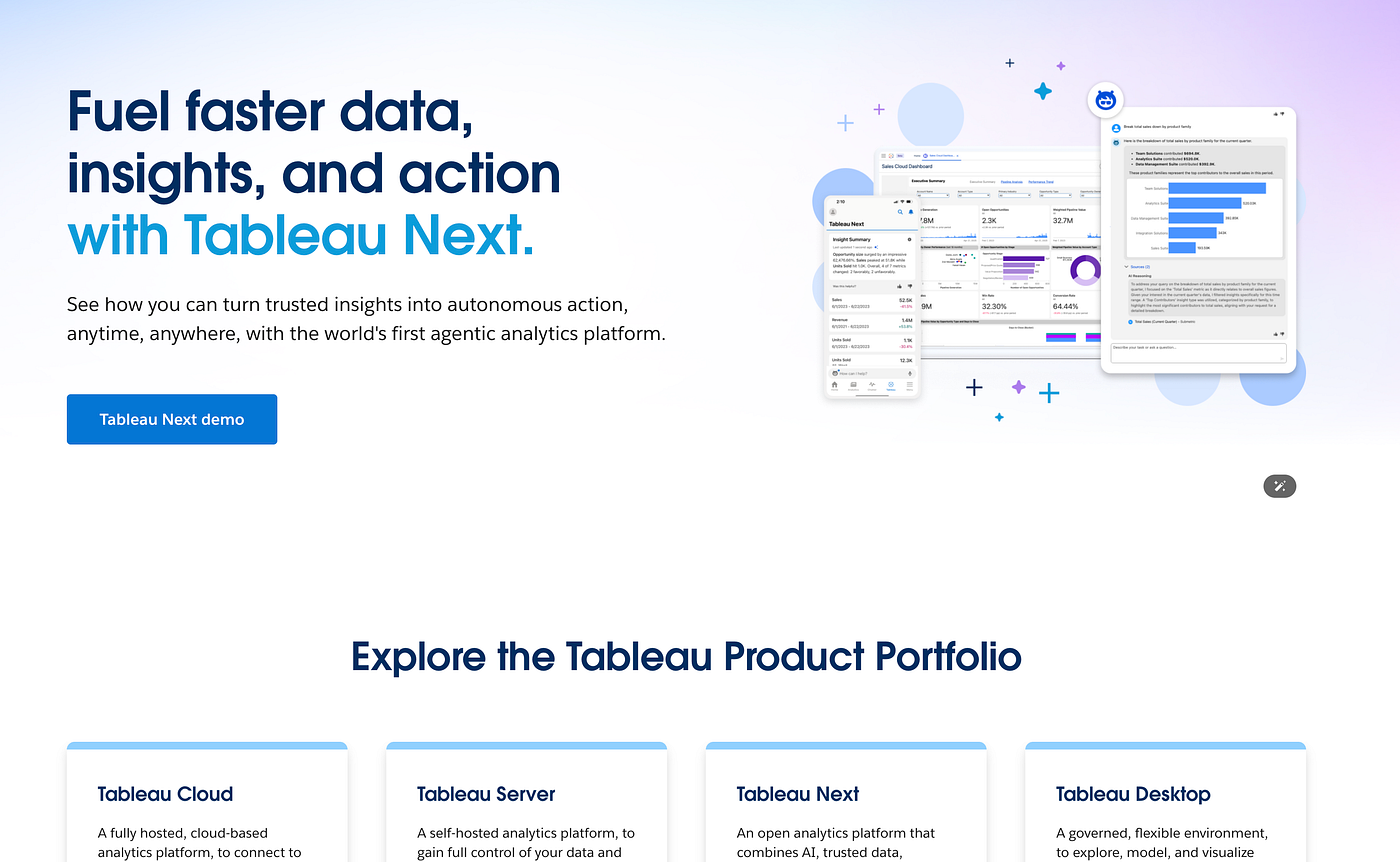
What it does: Tableau is a visualization and analytics platform that supports data exploration and insight validation rather than raw data mining. With Einstein AI, Tableau adds automated pattern detection, trend explanation, and basic forecasting — but it does not replace algorithm-driven mining systems.
Who it’s for:
Business and analytics teams that need to understand, validate, and communicate the results of data mining models.
In data mining workflows, Tableau typically appears after mining has produced outputs — clusters, predictions, anomaly scores, or feature importance metrics. Analysts load these results into Tableau to explore patterns visually, test assumptions, and explain findings to stakeholders.
This interpretive layer is often underestimated. Poorly validated mining results can look statistically strong but fail in real contexts. Tableau helps teams sanity-check mining outputs by slicing results across segments, time periods, and business dimensions.
Einstein AI adds automated explanations, but its role is assistive rather than foundational. It helps surface correlations or trends but does not replace feature engineering or algorithmic mining.
Key features
Interactive exploration of mining outputs
Visual validation of clusters and predictions
Automated insights via Einstein AI
Strong storytelling and sharing capabilities
Pros
Excellent for explaining complex results
Makes mining outputs accessible to non-technical users
Strong ecosystem and adoption
Cons
Not designed for feature engineering or model training
Automated insights are shallow compared to true mining algorithms
Pricing:
$75 per user per month for the Creator license.
Bottom line:
Tableau is not a data mining tool — but it is often what prevents data mining from failing. It plays a critical role in validating, interpreting, and communicating mined insights before they inform real decisions.
How I tested these AI data mining tools
I worked with each platform using datasets from marketing performance, financial reports, and operational records. The goal was to see how well each tool handled practical data mining tasks like cleaning, merging, discovering patterns, and generating actionable insights.
I ran live analyses, tested automation features, and evaluated how easily outputs could be shared with team members. I focused on performance under real business conditions rather than controlled demos or feature lists.
Here’s what I looked at during testing:
Setup and onboarding: How quickly I could connect data sources and start mining without lengthy configuration.
Data handling quality: Whether the tool accurately managed duplicates, missing values, and complex joins.
Pattern discovery: How effectively it identified correlations, clusters, trends, or anomalies.
Automation and repeatability: Whether workflows and reports could refresh automatically with updated data.
Ease of explanation: How clearly the platform presented results and supported interpretation.
Collaboration: How well teams could share outputs across departments.
Scalability: Whether performance remained stable as dataset size or complexity increased.
These criteria highlighted which platforms are ready for real-world data mining and which require too much manual setup for everyday use.
Which AI data mining tool should you choose?
No single platform fits every team. Your choice depends on your technical expertise, data volume, workflow complexity, and priority between automation, modeling, and visualization.
Powerdrill Bloom if you want end-to-end AI-driven mining with conversational cleaning, instant charts, and narrative reports.
Alteryx if you want no-code automation with repeatable workflows for data prep and predictive modeling.
KNIME if you prefer flexible, visual workflows combining preparation, mining, and automation.
RapidMiner if your team needs structured pipelines with both automated and manual mining control.
DataRobot if enterprise-grade AutoML with governance, model monitoring, and scalable predictive modeling is critical.
H2O.ai if you manage large datasets and want distributed, explainable AutoML at scale.
Orange Data Mining if you are learning fundamentals or want a simple, interactive interface for experimentation.
Sisense if your priority is operationalizing mined insights through white-label dashboards without coding.
Tableau if visual exploration, live dashboards, and easy pattern validation across teams are the priority.
BigQuery ML if you want to run SQL-native machine learning directly inside Google BigQuery without moving data.
My final verdict
Each of these 10 AI data mining tools addresses different challenges across the data mining lifecycle, from data preparation and exploration to automated modeling and operationalization. Together, they provide a comprehensive set of options for teams of any size and technical skill level.
Powerdrill Bloom stands out for full-cycle AI-driven data mining, combining conversational data cleaning, instant charts, and narrative report generation. It allows teams to move from raw datasets to actionable insights quickly, without deep technical skills.
Alteryx excels in repeatable workflows and no-code automation, enabling teams to blend, clean, and prepare data while adding predictive modeling to routine processes.
KNIME provides a visual workflow builder, giving analysts the flexibility to design custom pipelines for preparation, mining, and reporting, making it ideal for structured experimentation.
RapidMiner offers structured, end-to-end control over data mining processes, blending automation with hands-on customization for analysts who need repeatable and transparent pipelines.
DataRobot shines in enterprise-scale automated modeling, with parallel AutoML, governance, and deployment support — perfect for organizations that prioritize speed, repeatability, and compliance over manual experimentation.
H2O.ai is designed for scalable, explainable AutoML, making it suitable for teams handling very large datasets or distributed computing environments.
Orange Data Mining is excellent for learning and lightweight experimentation, offering an intuitive visual interface that helps users explore basic mining concepts and test algorithms quickly.
Sisense focuses on operationalizing insights, providing white-label dashboards and interactive analytics without requiring coding, ideal for teams delivering mined insights to business users.
Tableau is strongest for visual exploration and interactive dashboards, allowing analysts to validate patterns, detect anomalies, and communicate mined insights clearly across teams.
BigQuery ML enables SQL-native modeling, letting teams run machine learning directly inside Google BigQuery without moving data, which is ideal for organizations that want to leverage existing cloud data warehouses for predictive mining.
Overall, these tools collectively cover the full spectrum of data mining needs: from exploratory analysis (Powerdrill Bloom, Orange, Tableau) to workflow automation (Alteryx, KNIME, RapidMiner), automated modeling at scale (DataRobot, H2O.ai, BigQuery ML), and operationalized dashboards (Sisense, Tableau).


