Top 6 AI Slide Makers Compared(2026 edition): Tools That Turn Data into Clear Stories
A practical comparison of today’s leading AI tools for analyzing information, creating visuals, and communicating insights more effectively.

Introduction
Creating presentations can be both exciting and daunting. Whether you’re a business analyst with spreadsheets full of data, a startup founder pitching a new idea, or a researcher summarizing complex findings, transforming raw information into a compelling, visually engaging slide deck is rarely straightforward. Traditional slide tools like PowerPoint or Google Slides demand manual effort in designing layouts, visualizations, and narratives — often leaving you staring at a blank first slide.
This is where AI-powered slide makers come in. These tools promise to streamline the workflow from concept to presentation-ready output, using intelligent algorithms to interpret your data, suggest layouts, and even generate charts automatically. But not all AI slide makers are created equal. In this article, we’ll explore six leading AI slide makers, highlighting their strengths, limitations, and the types of users who would benefit most from each.
Understanding AI Slide Makers
Before diving into the comparisons, it’s helpful to clarify what we mean by “AI slide maker.” These tools leverage artificial intelligence to assist in one or more of the following:
Content structuring: Converting a topic, outline, or raw data into a logical slide sequence.
Data visualization: Automatically generating charts, graphs, and diagrams from uploaded spreadsheets or datasets.
Design automation: Applying visually appealing layouts, themes, and images without manual graphic design work.
Interactive insights: Allowing users to query data conversationally to generate charts or highlight key points.
While the core promise is time savings, AI slide makers differ in accuracy, flexibility, supported input types, and output quality. Let’s examine the top players.
1. Powerdrill Bloom
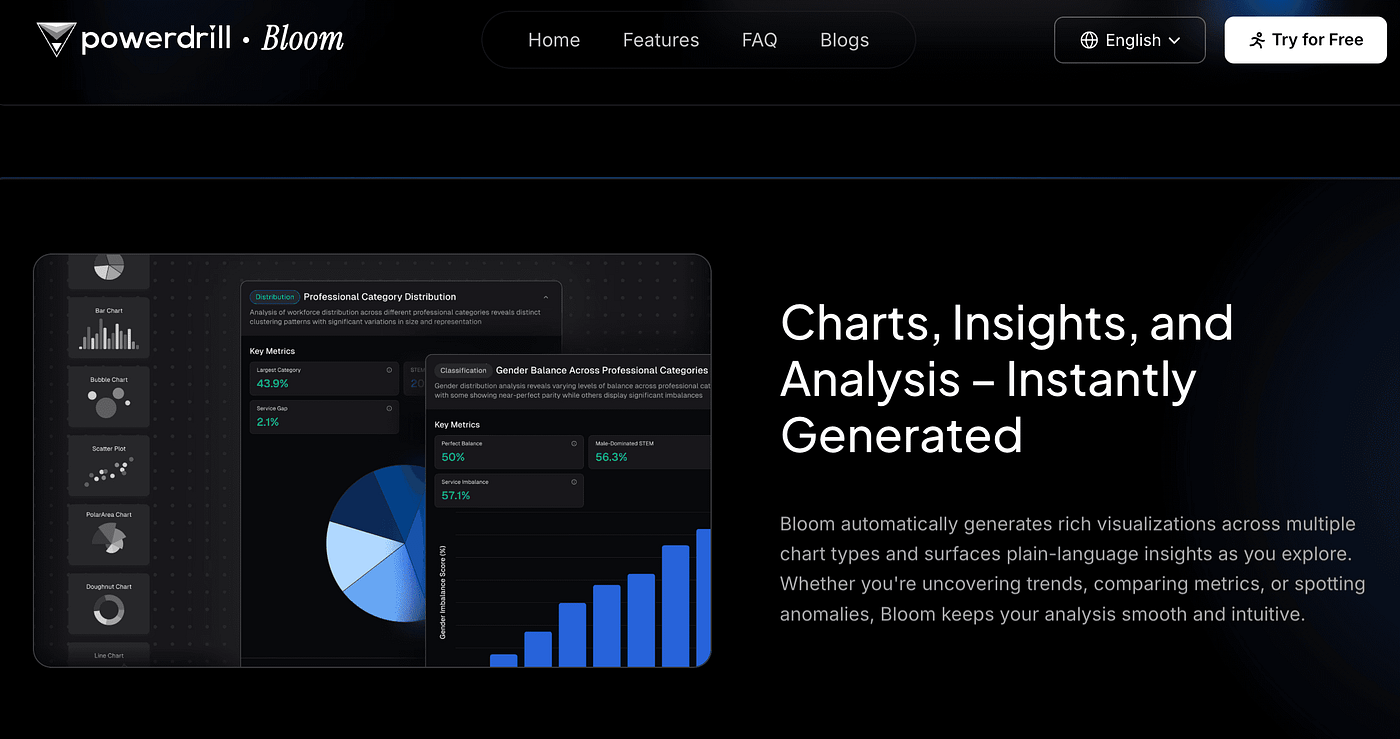
Overview: Faced with complex data or a new idea, Powerdrill Bloom helps you analyze information, uncover key insights, and visualize results clearly. It processes topics, spreadsheets, CSVs, or PDFs, performing deep research to identify trends and important points.
Key Features:
Flexible Input: Handles both simple topics and complex datasets.
Interactive Insights: Ask questions naturally and get real-time answers with charts and graphs.
High-Quality Visualization: Nano Banana Pro engine ensures clear, professional visuals without post-editing.
Limitations:
- Free plan capped at 1,000 credits per day.
Best for:
Analysts, business professionals, or anyone needing fast, accurate data interpretation and clear visual representation.
Why choose Powerdrill Bloom: It’s ideal for users who want reliable data analysis and actionable insights combined with high-fidelity visualizations — all in a single, easy-to-use AI tool.
2. Beautiful.AI
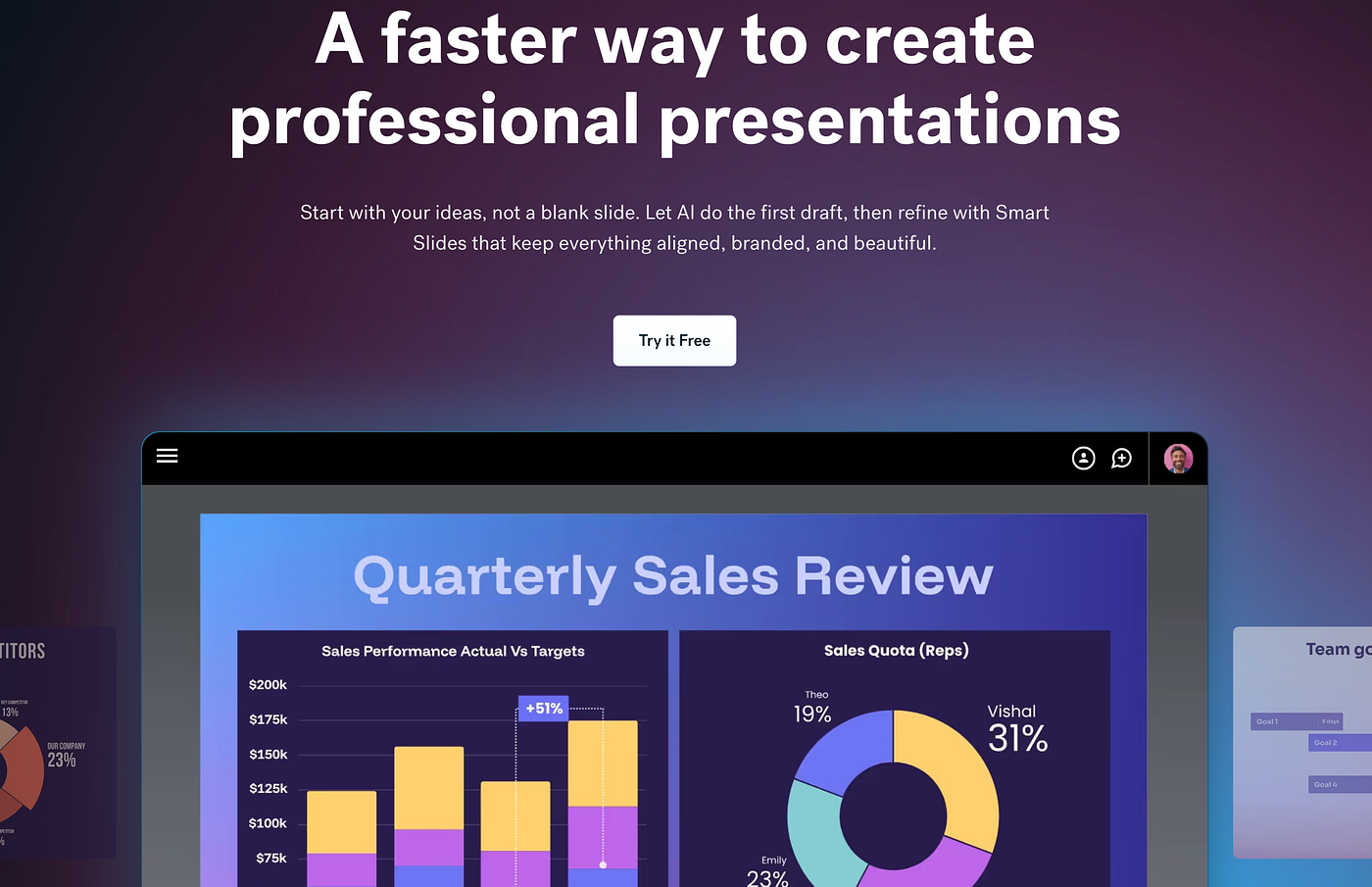
Overview: Beautiful.AI emphasizes speed and design aesthetics. Its AI templates adapt automatically to content changes, maintaining visually consistent slides.
Strengths:
User-friendly, intuitive interface.
Automatic layout adjustment ensures clean, professional slides.
Good for quick, visually appealing decks without deep data analysis.
Limitations:
Limited in handling raw data files like Excel or CSV.
AI suggestions may require manual tweaking for complex datasets.
Best for:
Marketing teams, small businesses, or freelancers needing fast, attractive presentations.
Why choose Beautiful.AI: Ideal for users who value design-first slides and minimal manual layout adjustments.
3. Simplified
Overview: Simplified combines AI writing and design automation to create slides directly from content outlines or documents.

Strengths:
Strong AI content generation for slide text.
Offers customizable templates and graphics.
Fast workflow from idea to slide deck.
Limitations:
Limited advanced charting or deep data insights.
Design options can feel generic for highly professional decks.
Best for:
Content creators, social media managers, or educators needing quick and visually cohesive presentations.
Why choose Simplified: Perfect for those who want speedy slide generation with decent design, without handling complex datasets.
4. DeckRobot
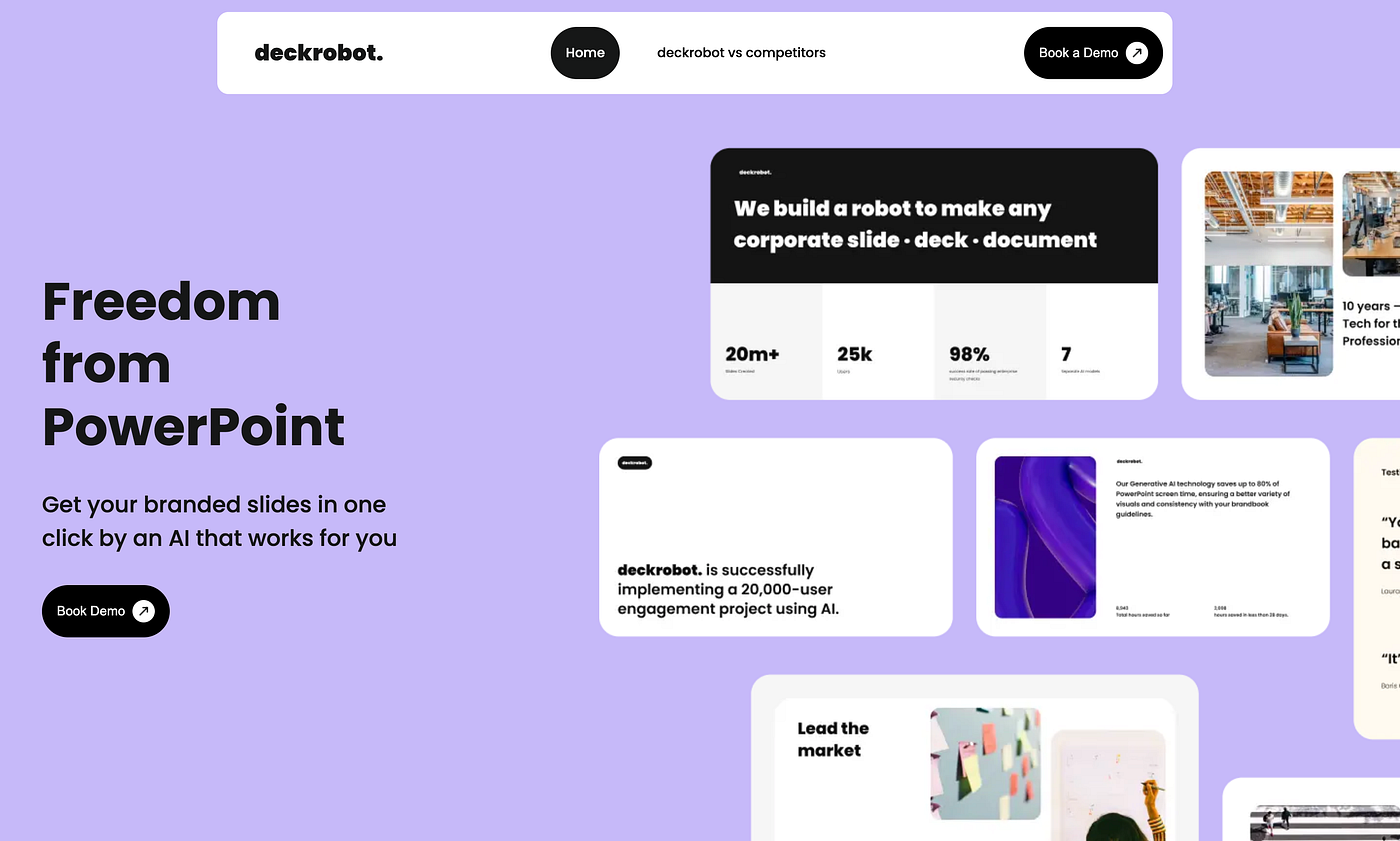
Overview: DeckRobot focuses on automating corporate slide decks using templates and brand guidelines.
Strengths:
Enterprise-grade template consistency.
Automates repetitive formatting tasks.
Compatible with Microsoft PowerPoint.
Limitations:
Limited AI-driven insights or data analysis.
Design flexibility is constrained by templates.
Best for:
- Corporate teams needing brand-compliant decks quickly.
Why choose DeckRobot: If you want consistent, on-brand slides with minimal effort, DeckRobot excels.
5. SlidesAI
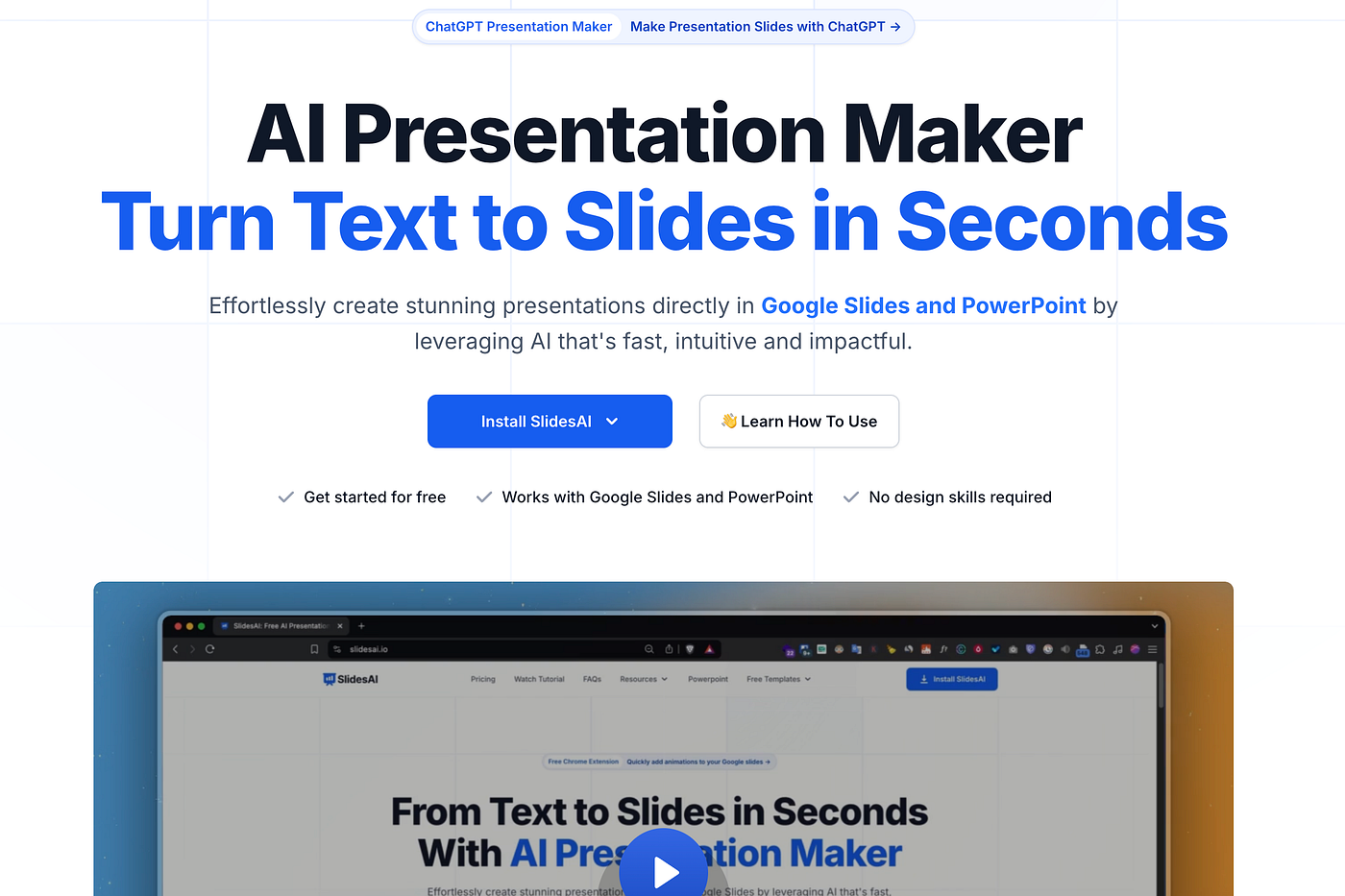
Overview: SlidesAI converts text notes or documents into presentation slides automatically.
Strengths:
Simple conversion from text to slides.
Lightweight and fast for small presentations.
Useful for summarizing reports or articles.
Limitations:
Basic charting and visualization features.
Limited design customization.
Best for:
- Students, educators, or professionals who need quick draft slides from notes.
Why choose SlidesAI: Great for speed and simplicity, especially when visuals are secondary.
6. Gamma
Overview: Gamma combines AI writing, slide generation, and real-time data embedding.

Strengths:
Supports interactive components and embedded data.
Strong AI writing assistance for slide content.
Flexible visual options.
Limitations:
Learning curve for advanced features.
May require manual polishing for professional decks.
Best for:
- Tech-savvy users or startups looking for interactive, data-rich presentations.
Why choose Gamma: When you need flexible and interactive presentations with embedded content.
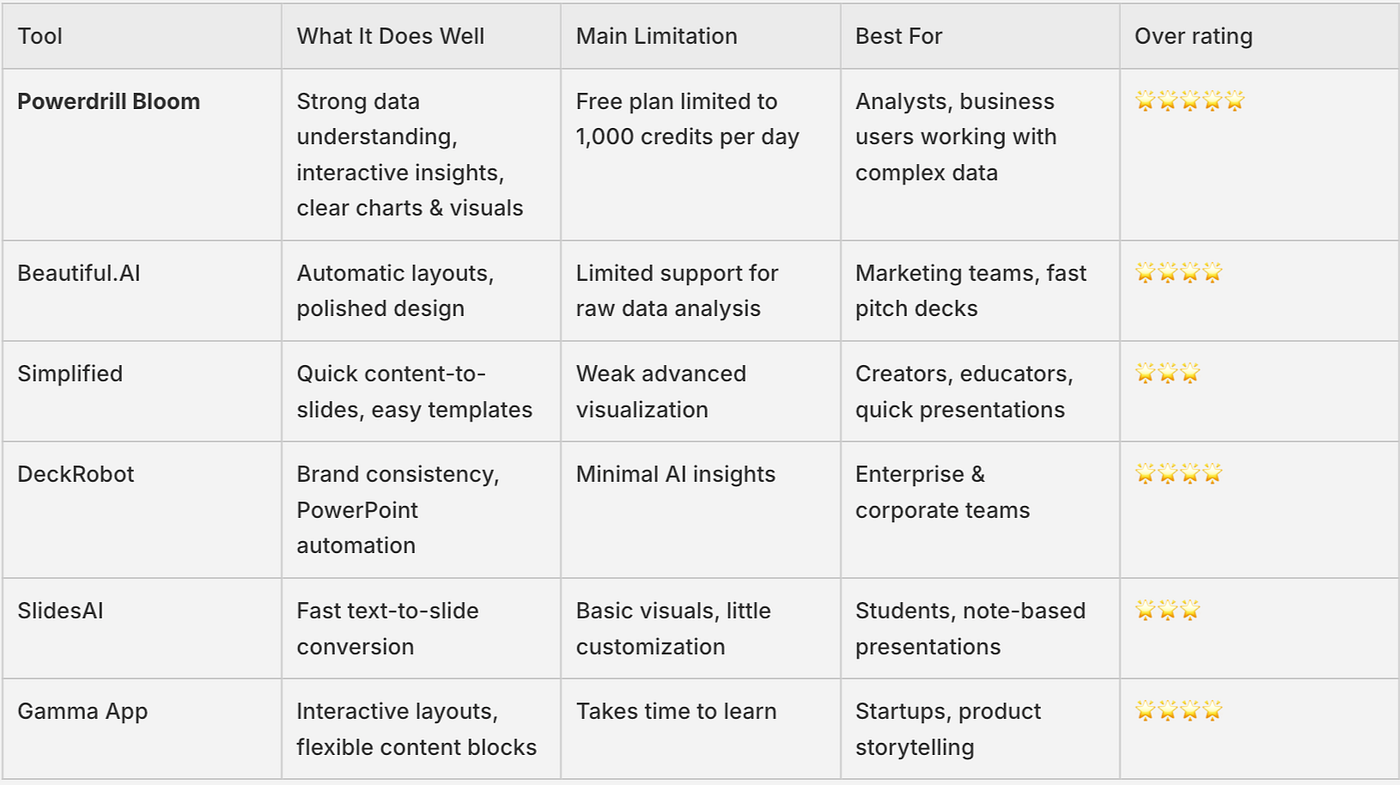
AI Tools Comparison: Top AI Slide Makers
Conclusion
AI slide makers offer a spectrum of options depending on workflow, design priorities, and data complexity. Tools like Beautiful.AI or Simplified excel for fast and visually pleasing slides, while DeckRobot ensures brand consistency, and Gamma supports interactive, data-rich decks. SlidesAI is ideal for quick drafts, but when it comes to combining deep data insights, structured presentation logic, and crystal-clear visuals, Powerdrill Bloom clearly stands out.
For professionals who deal with complex datasets and need presentation-ready output without manual post-editing, Powerdrill Bloom provides the most comprehensive, high-fidelity solution. It’s not just about saving time — it’s about transforming information into impactful, professional presentations effortlessly.


