Top 6 AI PPT Tools in 2025: From Data Reporting to Slide Design
Understanding the different paths AI takes to help you build better presentations

Introduction
Creating presentations has always been part thinking, part formatting. What’s changed in recent years is not the need for slides, but how much of the work happens before the first slide even exists.
As AI tools enter the presentation space, they promise to save time, improve structure, or make slides look better. In reality, they do all of these — just not in the same way. The result is a crowded category where very different products are often labeled with the same term.
Before comparing specific tools, it’s worth clarifying what “AI PPT tools” actually means today.
What People Mean by “AI PPT Tools” Today
The phrase “AI PPT tools” has become a catch-all.
Some tools focus on design automation, helping slides stay visually consistent without manual layout work. Others emphasize content generation, turning a topic or outline into slide text. More recently, a newer category has emerged around data exploration and reporting, where AI helps analyze information and convert results into presentations.
These approaches overlap on the surface but lead to very different workflows. Understanding where a tool starts — design, narrative, or analysis — makes the comparisons below easier to follow.
With that context in mind, let’s look at six AI PPT tools that represent these different directions.
1. Powerdrill Bloom
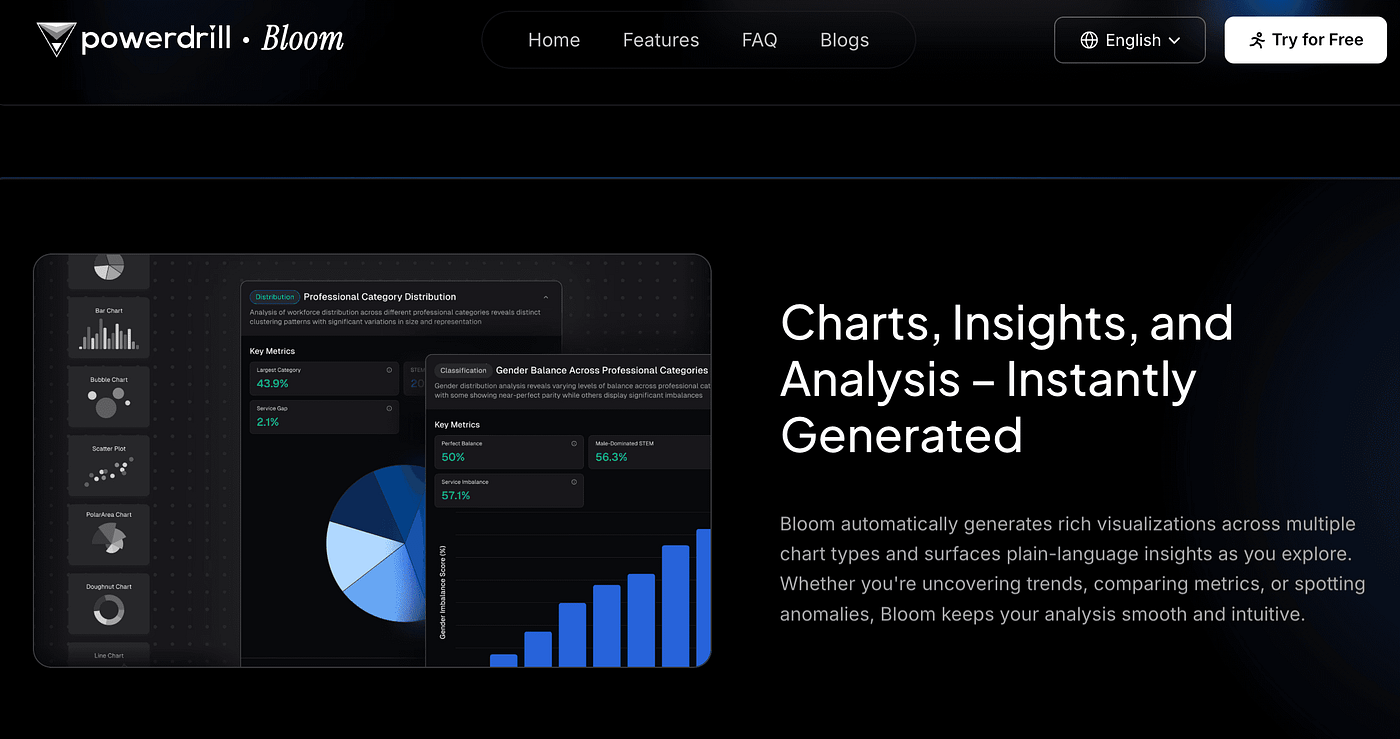
Powerdrill Bloom positions itself as a Data Exploration & Reporting Agent, rather than a traditional presentation builder.
Users can upload datasets or enter a topic and, through natural language interaction, generate analyses that include charts, trends, and summaries. With Nano Banana Pro, those analysis results can be directly transformed into professional, presentation-ready slides, shortening the path from insight to report.
Strengths
Strong at transforming data and documents into structured presentations
Analysis and slide creation happen in one workflow
Clear, business-friendly slide structure
Limitations
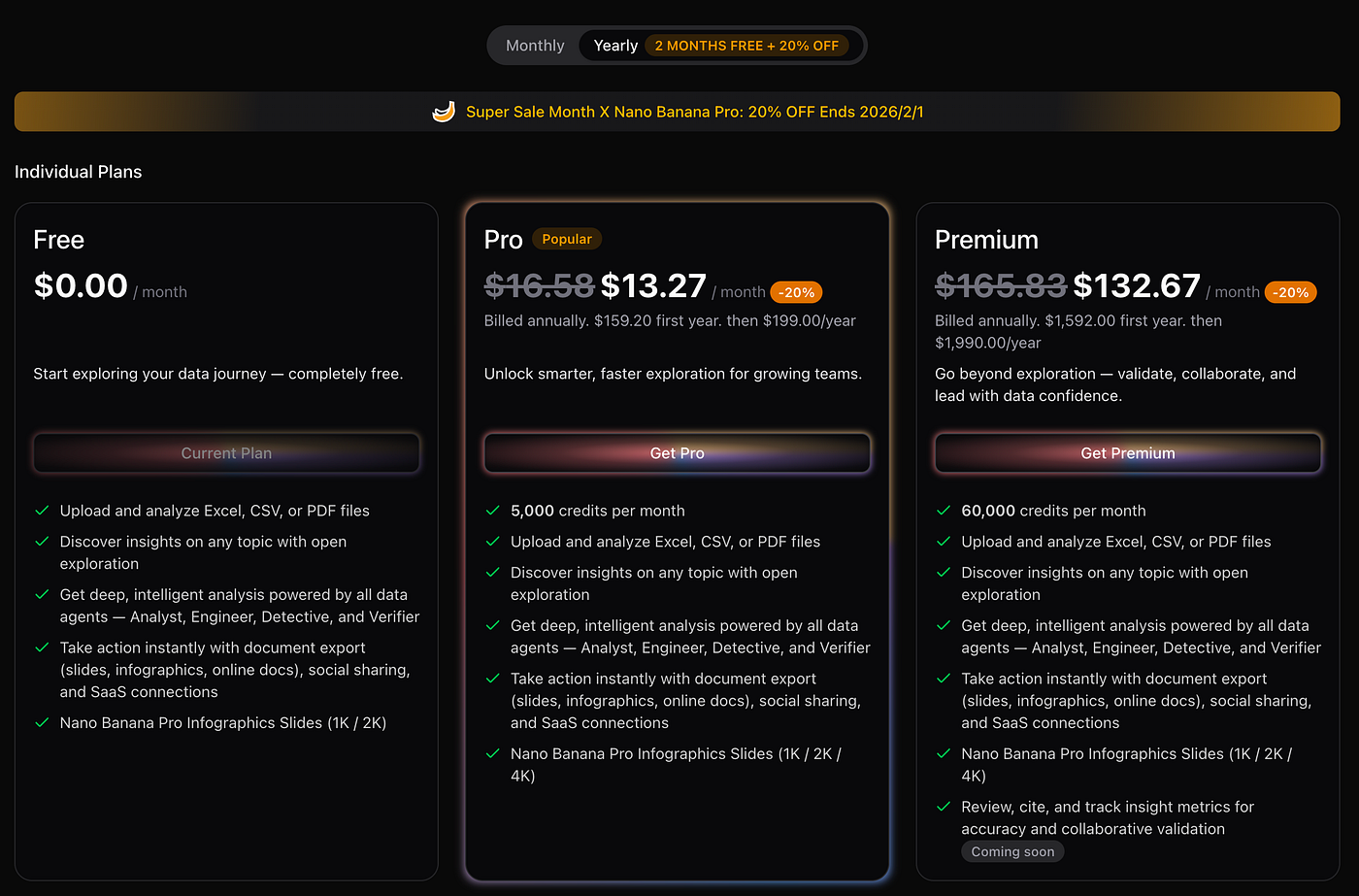
- Free plan is limited to 1,000 credits per day, shared across all data sources
Who it’s best for
Analysts, consultants, and internal business teams
Users who value insight accuracy over visual experimentation
Pricing
2. Beautiful.ai
If Powerdrill Bloom starts with analysis, Beautiful.ai starts with design rules.
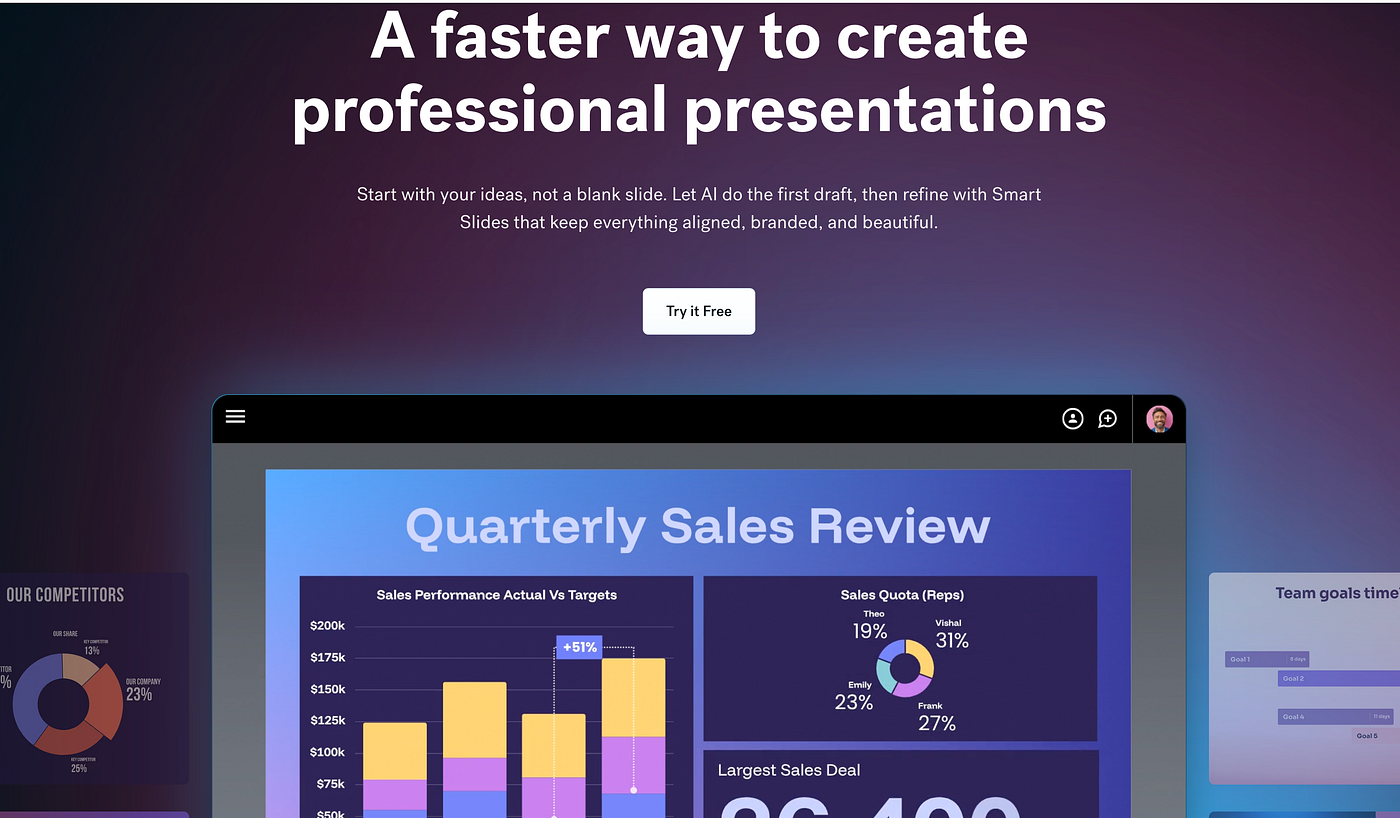
The platform automatically adjusts layouts as content is added, ensuring slides remain clean and visually balanced. Users don’t need to think much about spacing or alignment, which makes it appealing for fast, polished decks.
Strengths
Consistent, professional-looking slides
Minimal design effort required
Easy learning curve
Limitations
Limited control over storytelling and structure
Not designed for deep data analysis
Best for
Sales teams and founders who want visually strong presentations with minimal setup.
Pricing
3. Plus AI
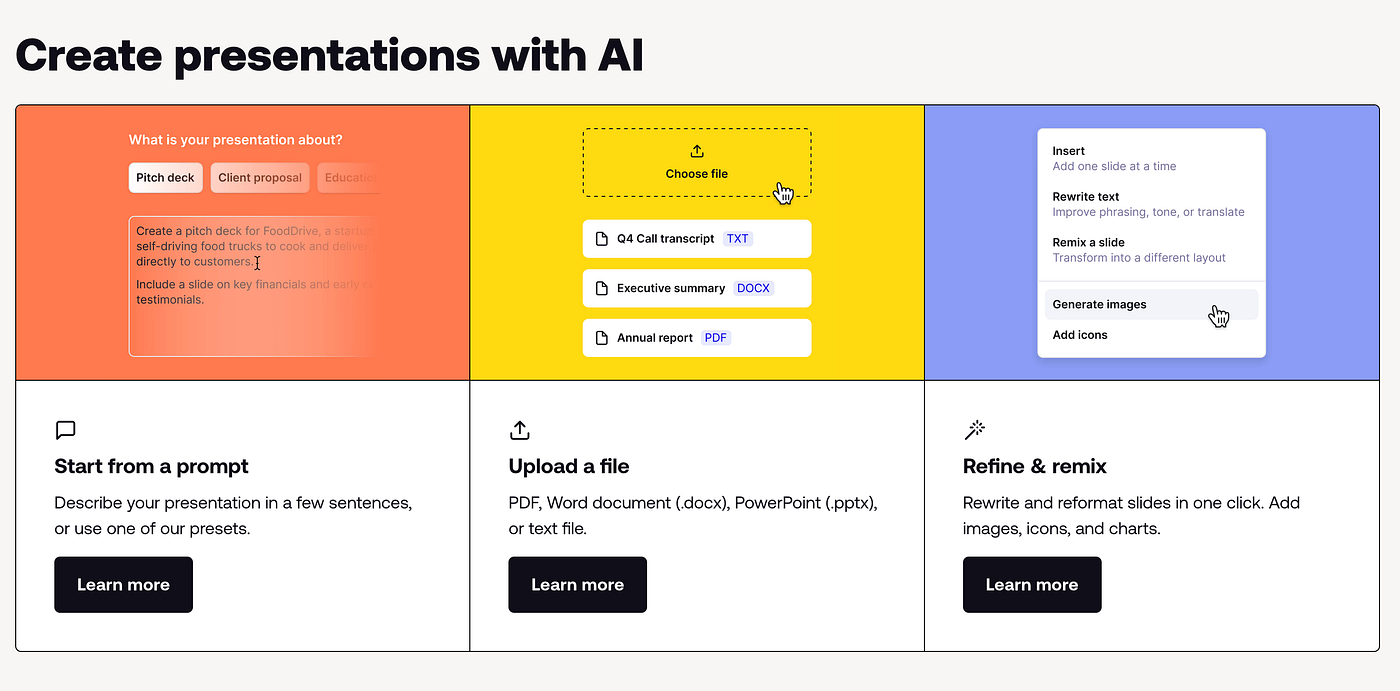
While some tools experiment with new presentation formats, others focus on improving existing ones. Plus AI takes the latter approach by working directly inside Google Slides and PowerPoint.
Instead of reinventing how presentations are delivered, Plus AI helps users generate slide content, outlines, and rewrites within tools they already use. This makes adoption easier, especially for teams that don’t want to change their presentation workflow.
Strengths
Native integration with Google Slides and PowerPoint
Useful for drafting, rewriting, and expanding slide content
Low learning curve
Limitations
Relies heavily on existing slide structure
Limited design and layout intelligence compared to design-first tools
Best for
Business teams and professionals who want AI assistance without leaving familiar presentation software.
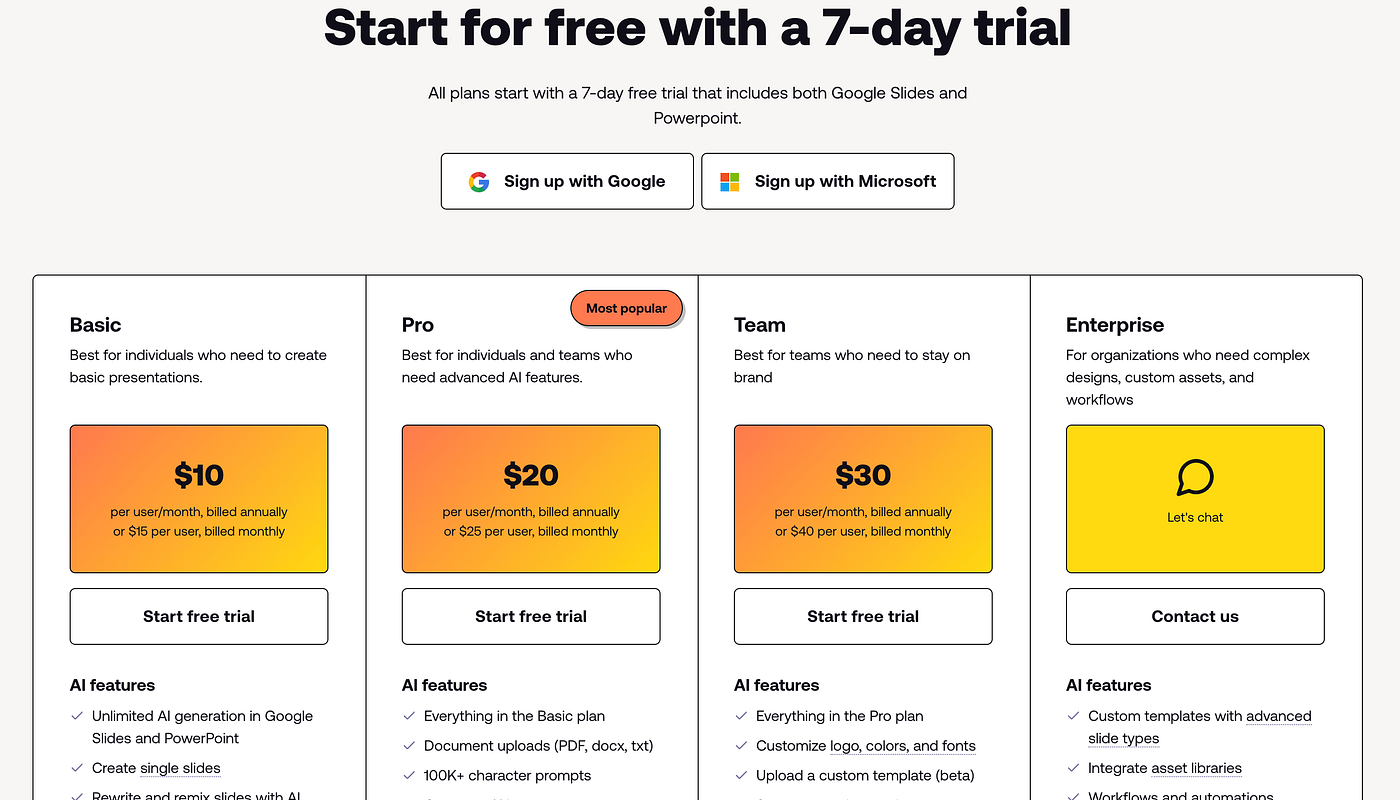
Pricing
4. Gamma
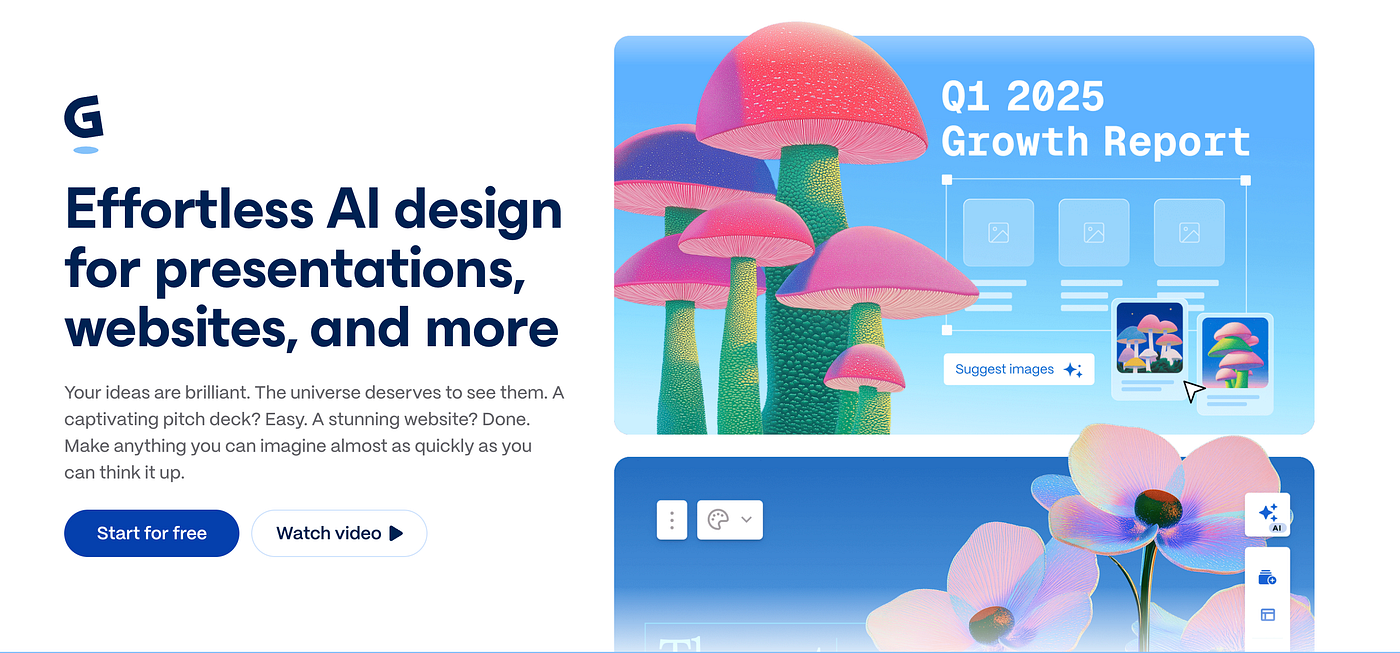
Gamma focuses on speed and simplicity.
By generating entire decks from short prompts or outlines, it helps users move quickly from idea to presentation. While the results often need refinement, it’s effective for drafting and iteration.
Strengths
Very fast slide generation
Clean, simple interface
Good for early drafts
Limitations
Content can feel generic
Requires manual polishing for final delivery
Best for
Solo creators and teams who iterate quickly and value speed over precision.
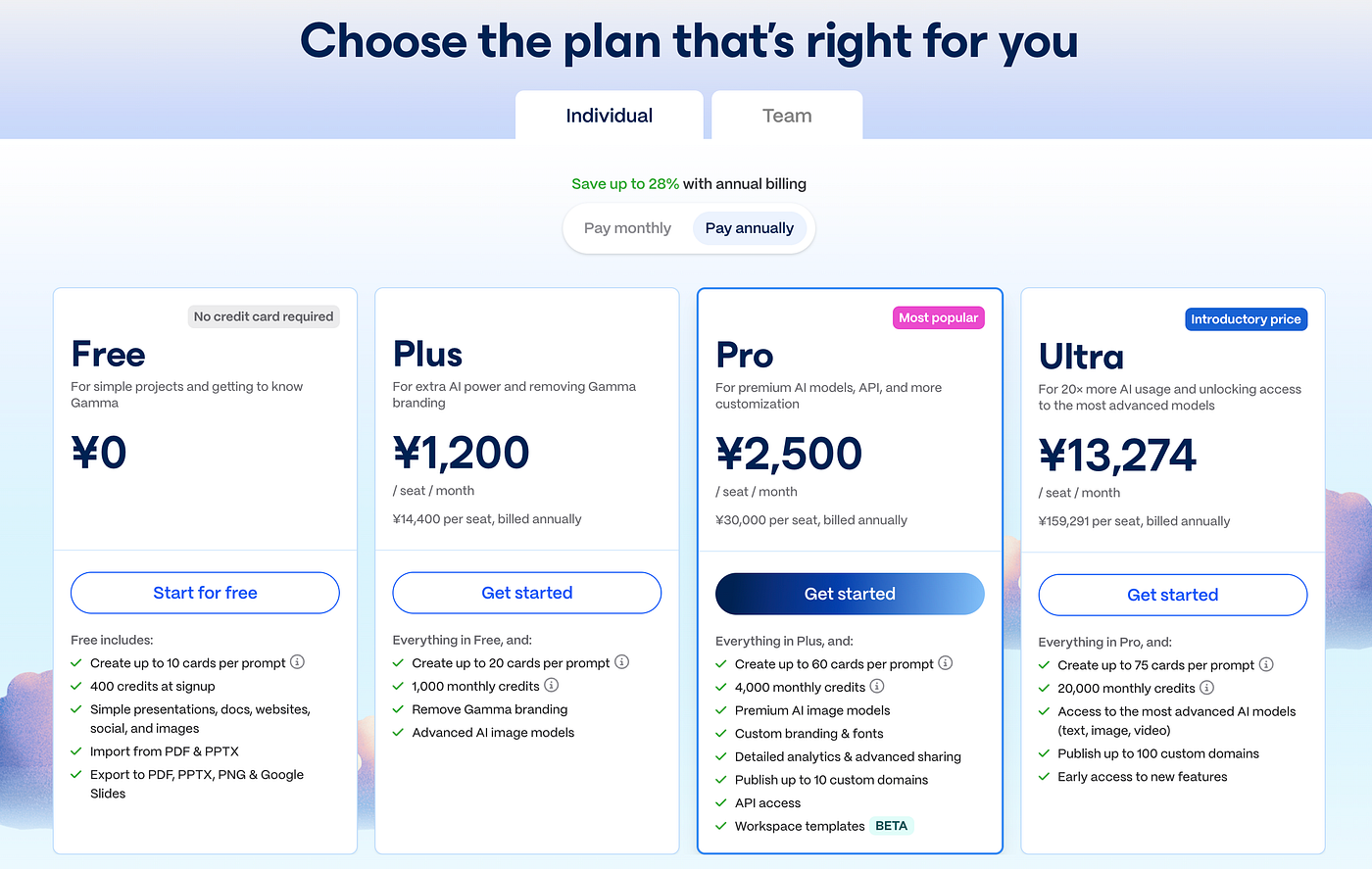
Pricing
5. Canva (AI Presentation Features)
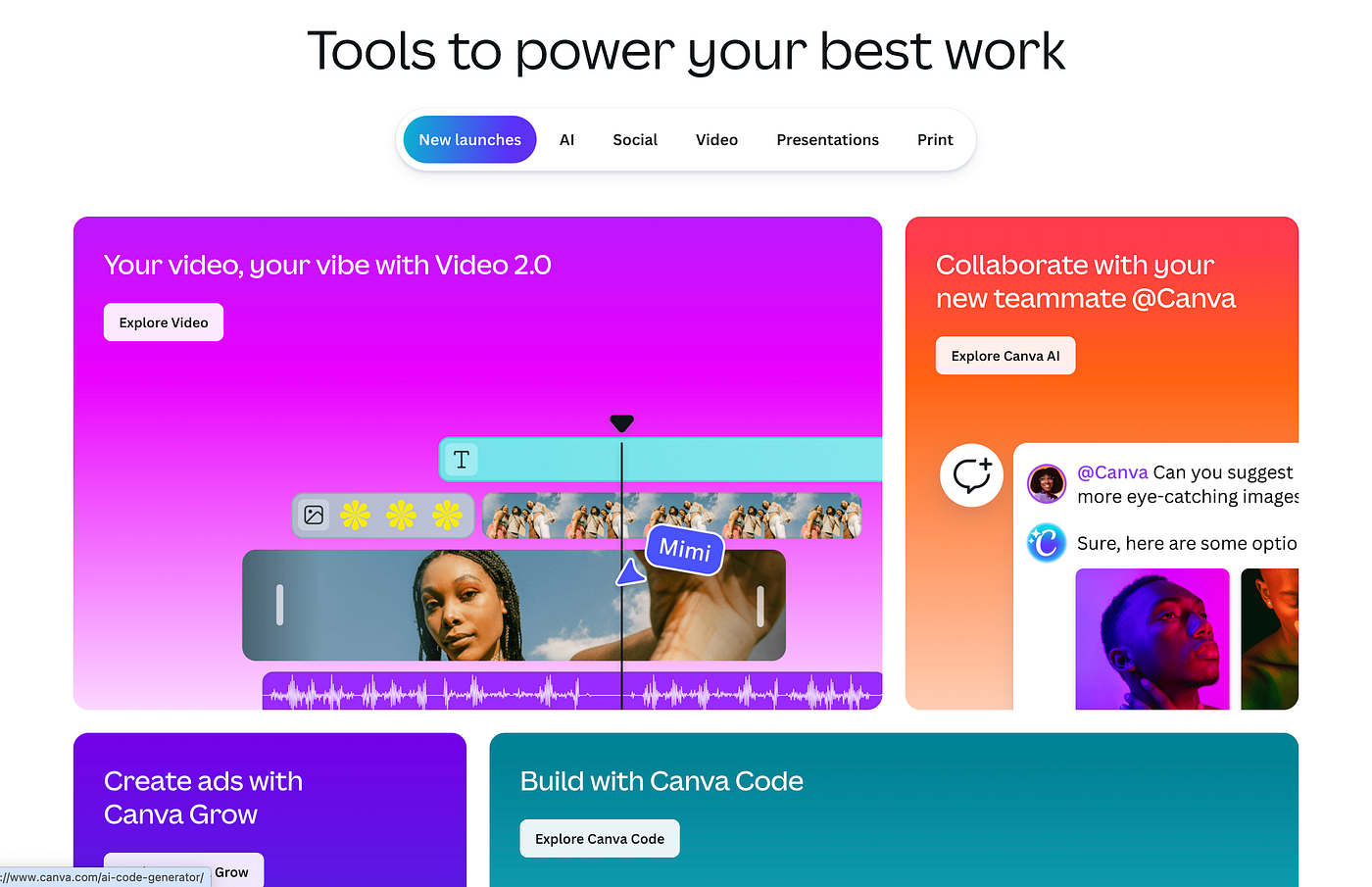
Canva’s AI presentation features build on its well-known design ecosystem.
While its AI capabilities are less analytical, Canva excels at visual customization and brand consistency, making it a strong option when design control matters more than content generation.
Strengths
Extensive template and design options
Strong brand control
Familiar interface
Limitations
AI content generation is relatively basic
Less helpful for structuring complex ideas
Best for
Marketing teams and organizations with strong brand guidelines.
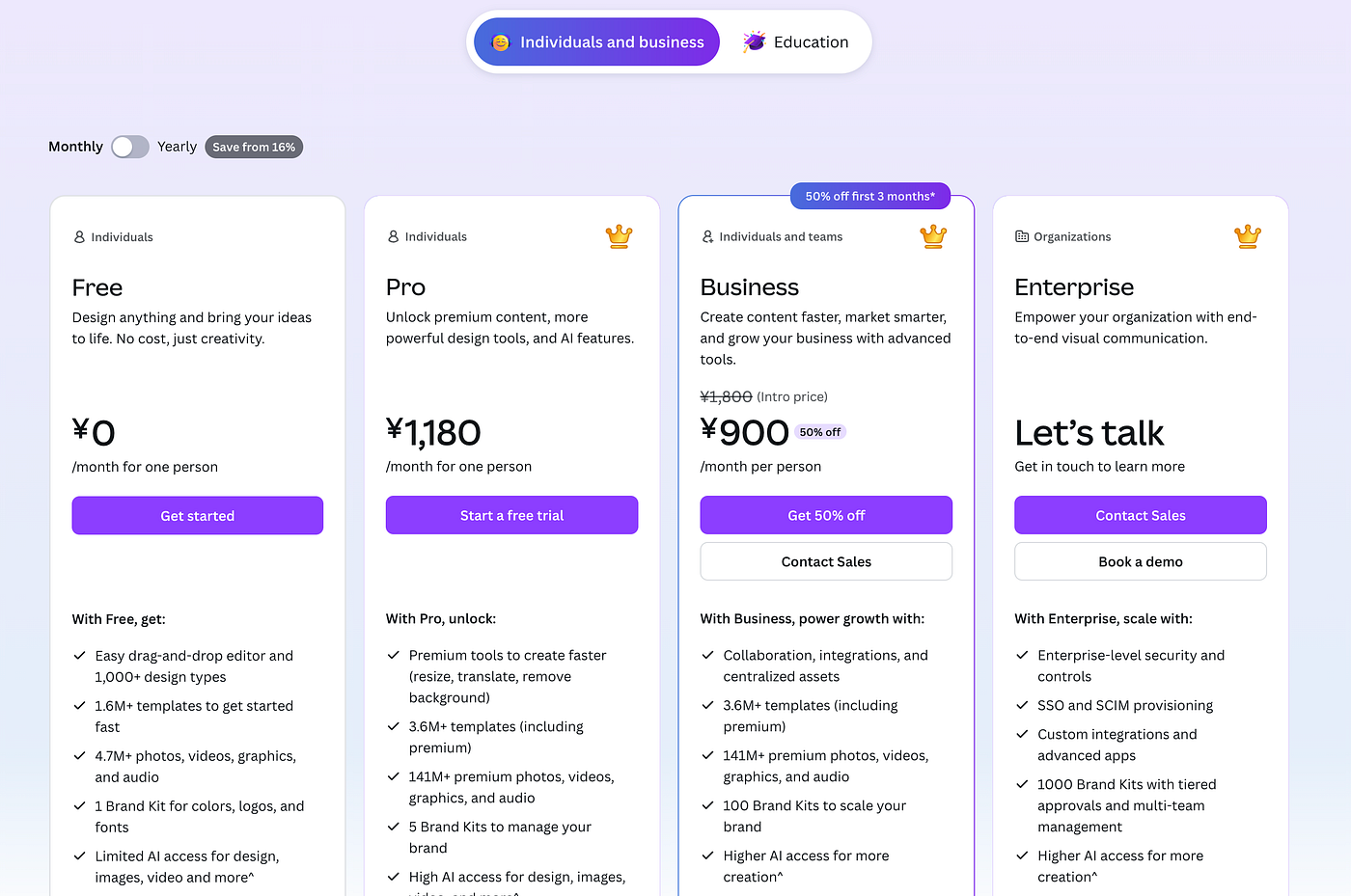
Pricing
6. SlidesAI
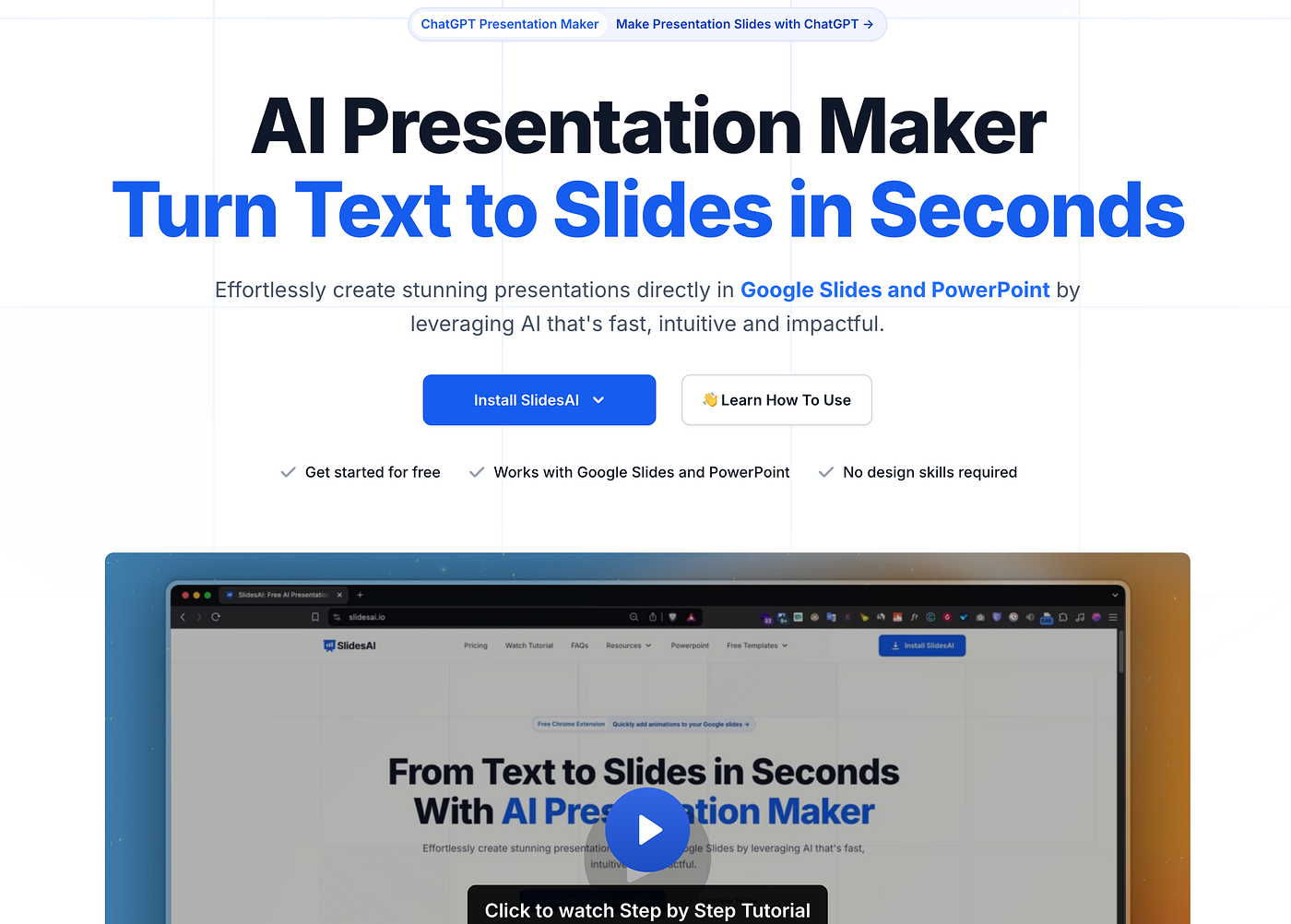
SlidesAI takes a lightweight approach by integrating directly with Google Slides.
It converts text into slide content quickly, without changing existing workflows. While its capabilities are limited, its simplicity is part of the appeal.
Strengths
Seamless Google Slides integration
Easy to use
Fast text-to-slide conversion
Limitations
Limited customization
Not suitable for complex presentations
Best for
Educators, students, and teams already working inside Google Workspace.
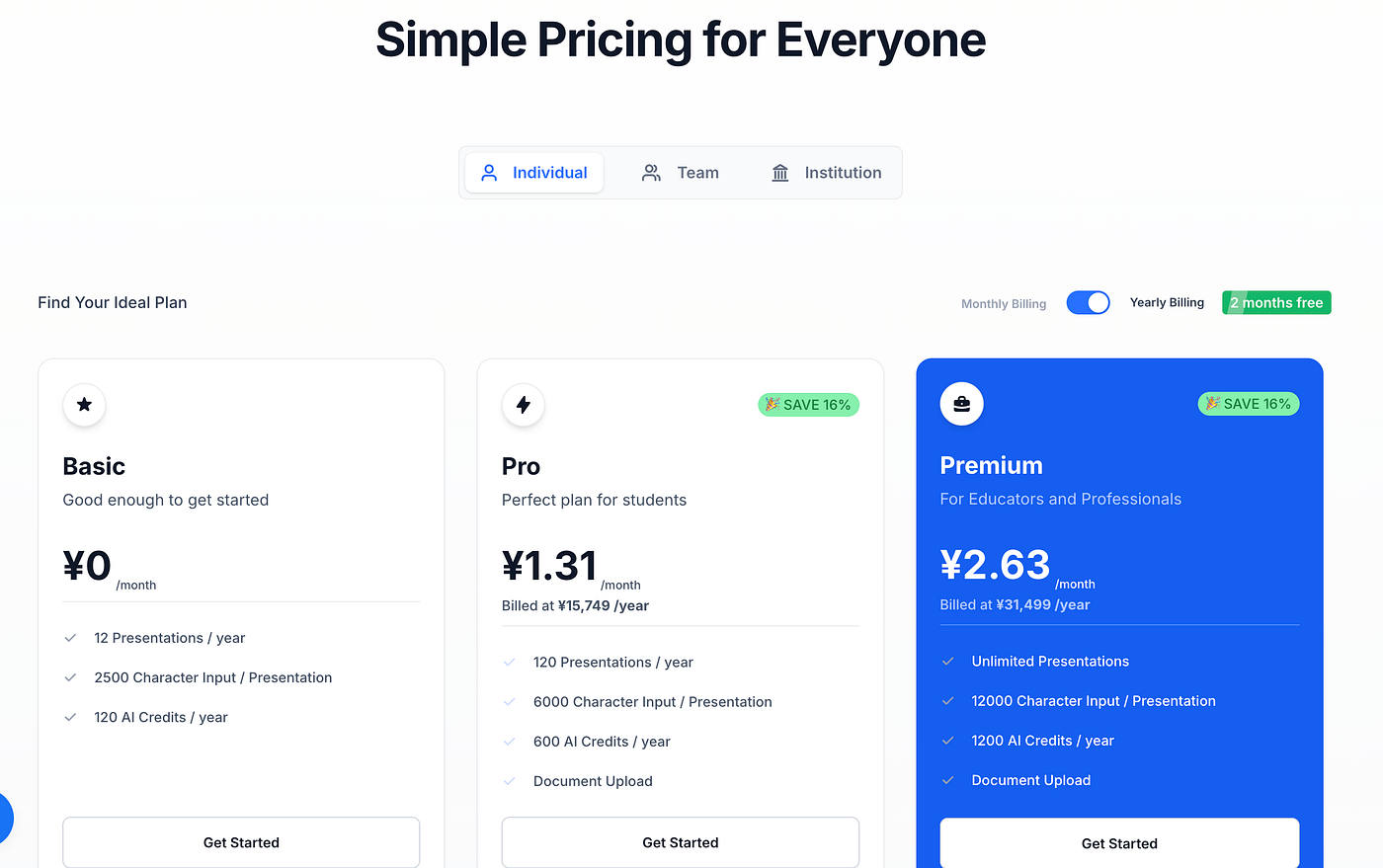
Pricing
Final Thoughts
AI PPT tools are no longer solving a single problem. Some reduce design effort, others help structure ideas, and a growing number aim to bridge analysis and reporting.
The most effective choice depends less on features and more on where your presentations begin — with data, with ideas, or with visuals. Understanding that starting point makes it much easier to choose a tool that fits your workflow, rather than forcing your workflow to fit the tool.


